With my project focused around American Football, I pulled two photos I shot during a practise into photoshop and edited them in photoshop.
For all my images of sport, I use my Canon R6 MK2 with a 70-200mm lense. I use this because I gives a good option of shooting far out, as well as closer when required. For editing, I used Photoshop, but I am also experimenting with Lightroom too.
The settings for my camera focused around shutter speed as the main variable. Almost every image has an aperture of 2.8 so the background is always blurry, but I changed my shutter speed from around 1/640 to 1/1000 to try and get a clean shot of the ball and the motion of the players.
Image 1
For my first image, I took what is quite a dark shot to try and make it brighter and more vibrant. I adjusted the exposure a touch, as well as increase the highlights to bring out the features of the player. I also added some saturation just to bring more colour out, but I was careful not to overdo it and make it look unrealistic.
Finally, I cropped around the player to get rid of some of the extra space around the subject that I didn’t need.
Before:
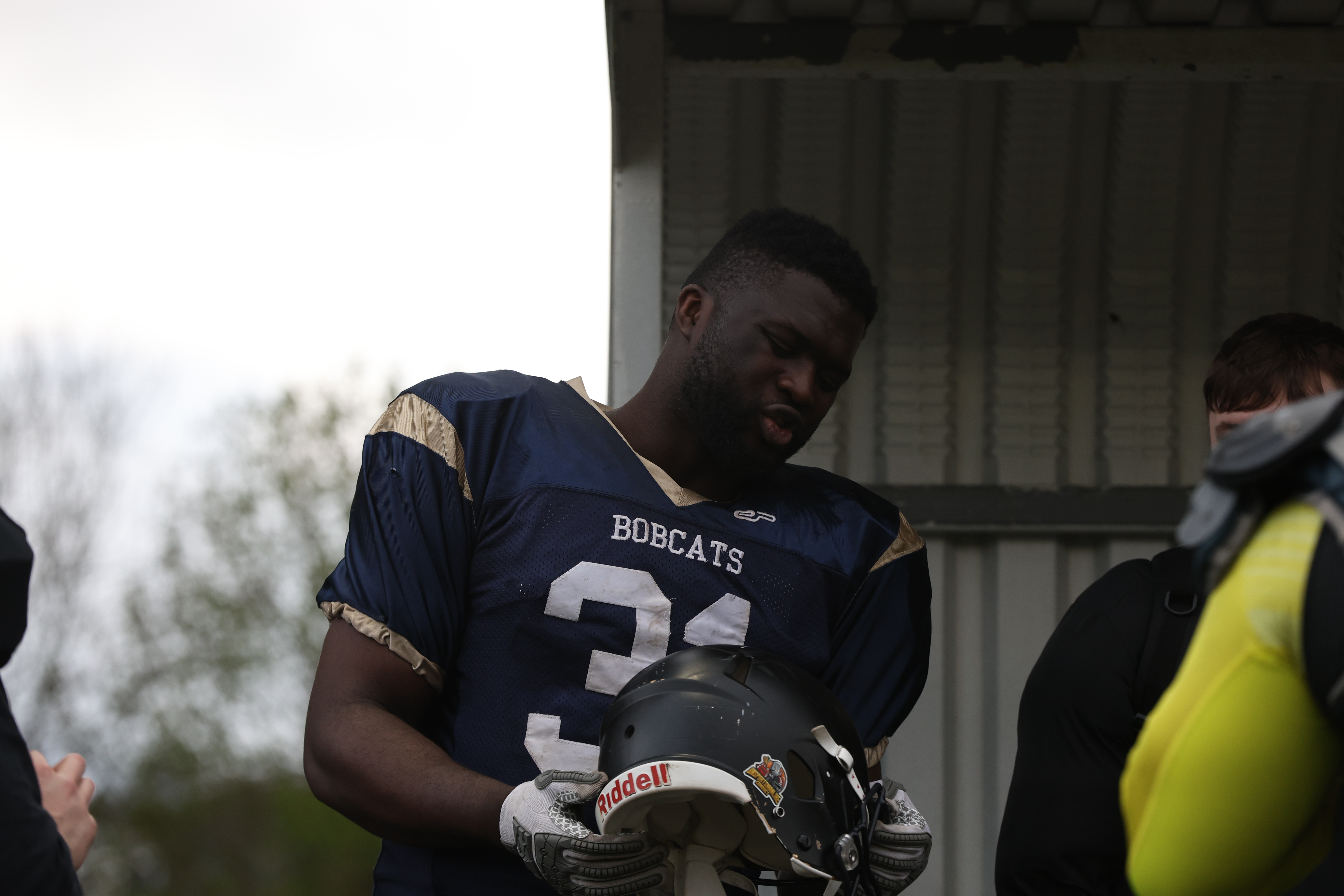
After:

Image 2
I also wanted to edit an action shot too, so decided to follow a similar exercise in brightening this shot up.
I followed similar sets, focusing mainly on the brightness and exposure, and also reducing the blacks to bring out more detail in the player, particularly his lower half.
Before:

After:


 Photographic Journalism
You must be logged in to post a comment.