
F-stop high (F/16) For this image I set the F stop to 16. Still capturing the same model, but with a little less light. It also allowed me to make sure that everything was in focus, including the photographer, the model and the background.

F-stop medium (F/8)
For this image I set the F stop to 8. Still capturing the same model, but with a little more light than (F/16). It also allowed me to make sure that everything was in focus, including the photographer, the model and the background, but with a bit more focus and resolution.

F-stop low (F/1.4) For this image I set the F-stop on my phone to the lowest. This therefore made the light on my model brighter, as I am solely focused on the model when taking the picture
Extra credit
3 objects – Sign, gate, buildings.
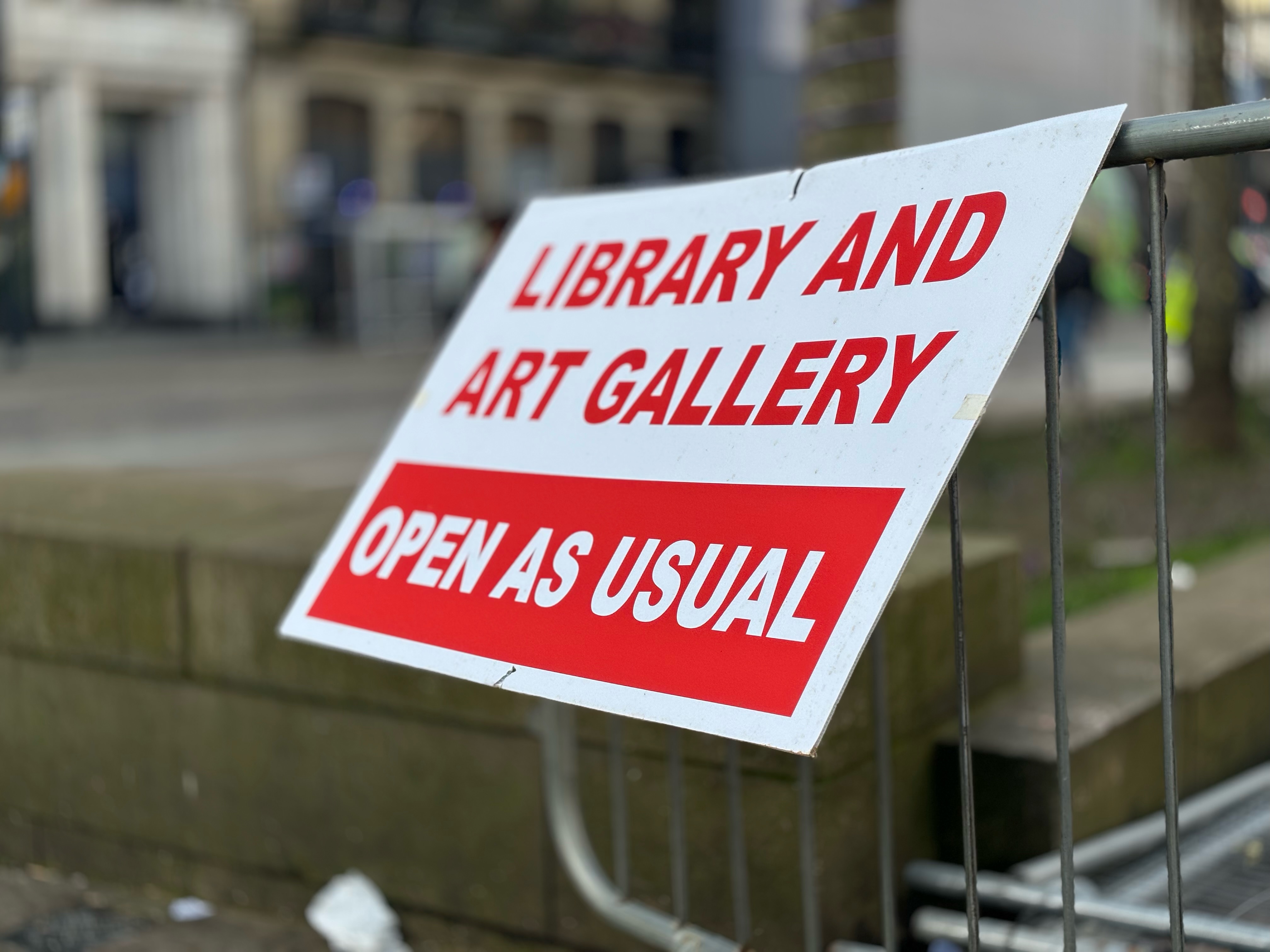
F-stop low (F/1.4)

F-stop medium (F/8)

F-stop high (F/16)
For the extra credit task, I used the sign, gate and buildings in the photo as my three objects. You can see the difference between all three images as the resolution slowly changes throughout all different images.

 Photographic Journalism
You must be logged in to post a comment.