Week 7: Editing aspect ratio

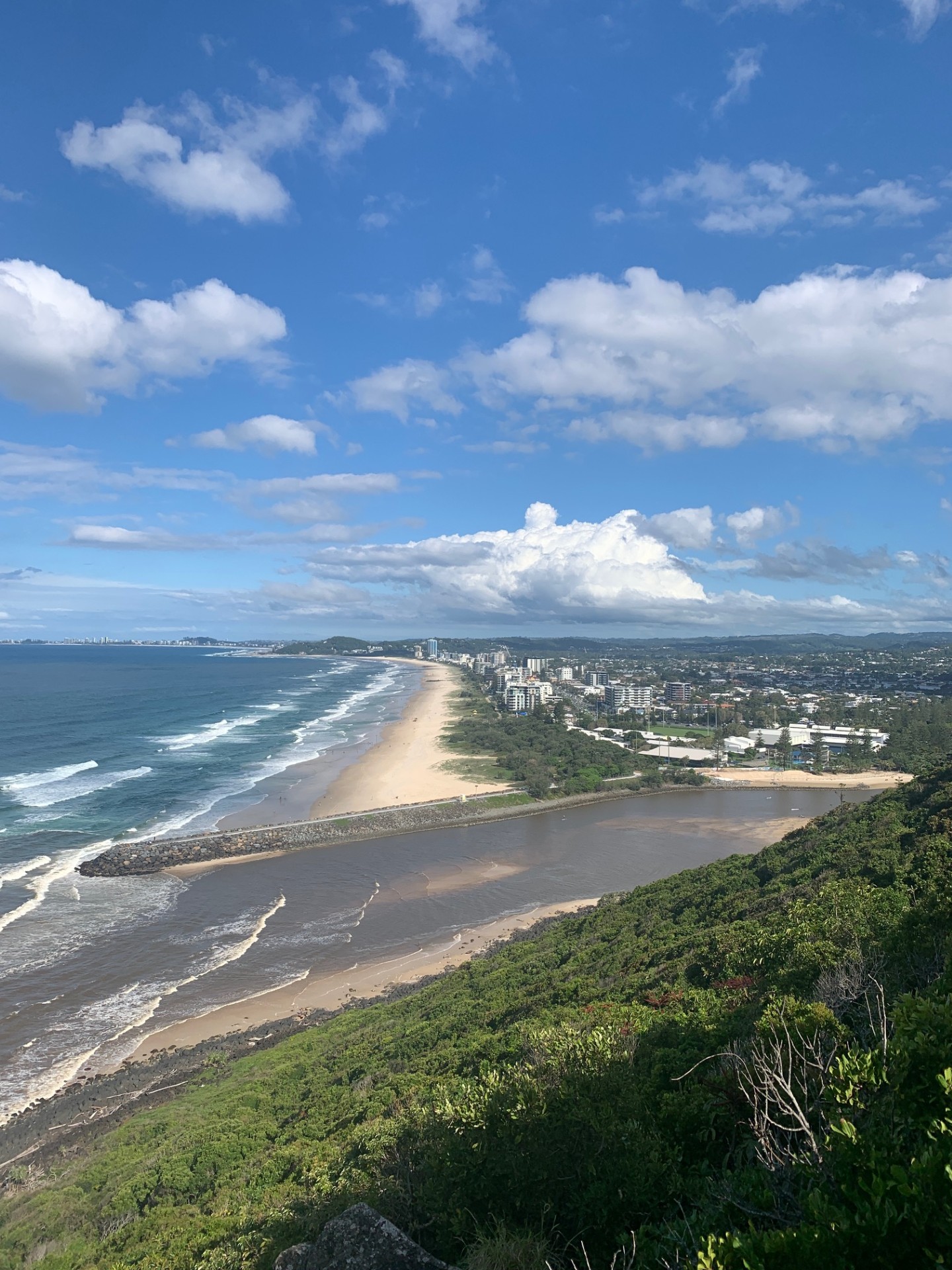
Photo of Sunshine Coast beach from a lookout spot with buildings, ocean and walkway all in the image.
Portrait image of Sunshine Coast. Photo taken by Matthew Caines
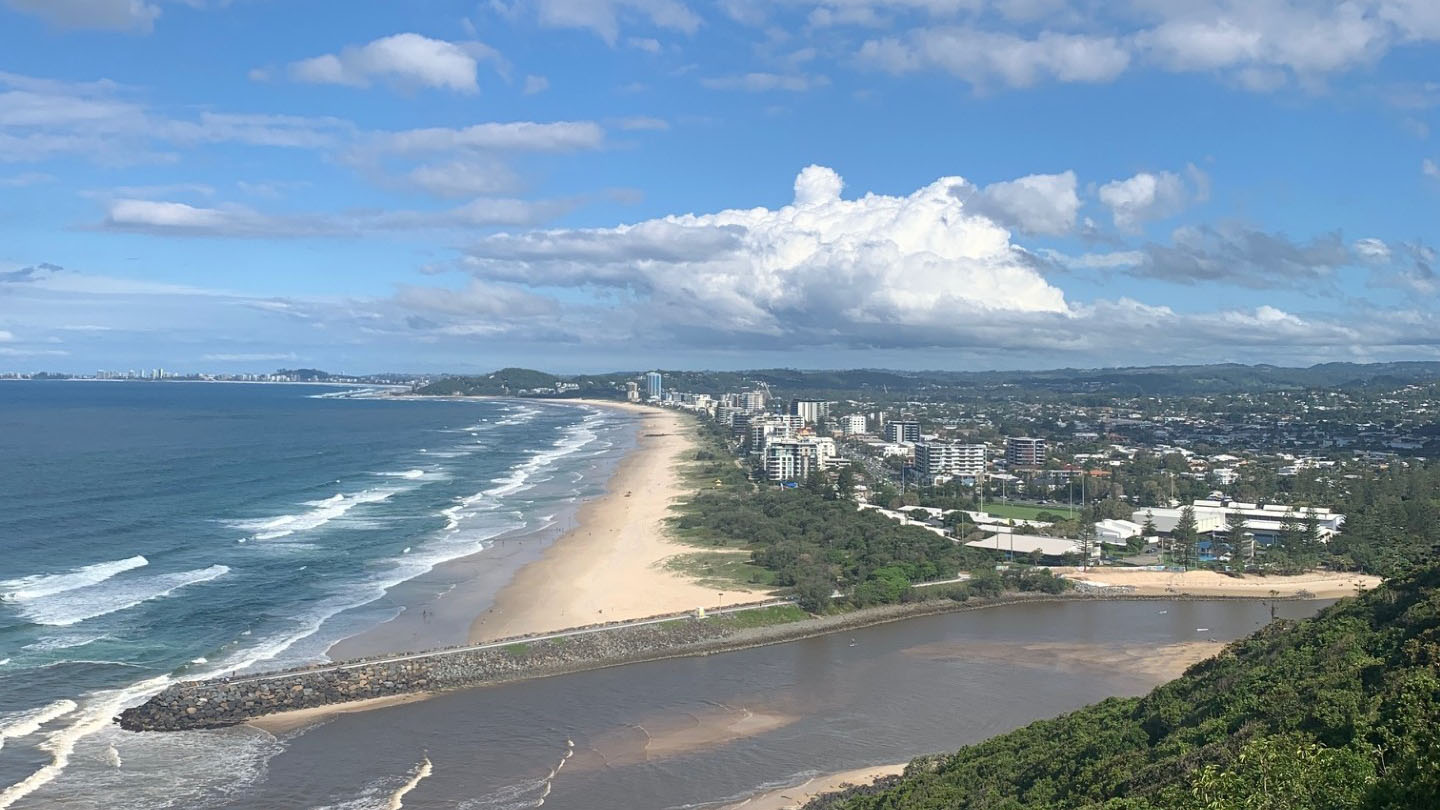
Photo of Sunshine Coast beach from a lookout spot with buildings, ocean and walkway all in the image. Aspect ratio of 16:9 in landscape.
Landscape image of Sunshine Coast with changed aspect ratio to 16:9. Photo by Matthew Caines

Two images of Sunshine coast with different aspect ratios. The portrait image shows too much sky and does not focus on the beach, ocean and buildings which the landscape version does.
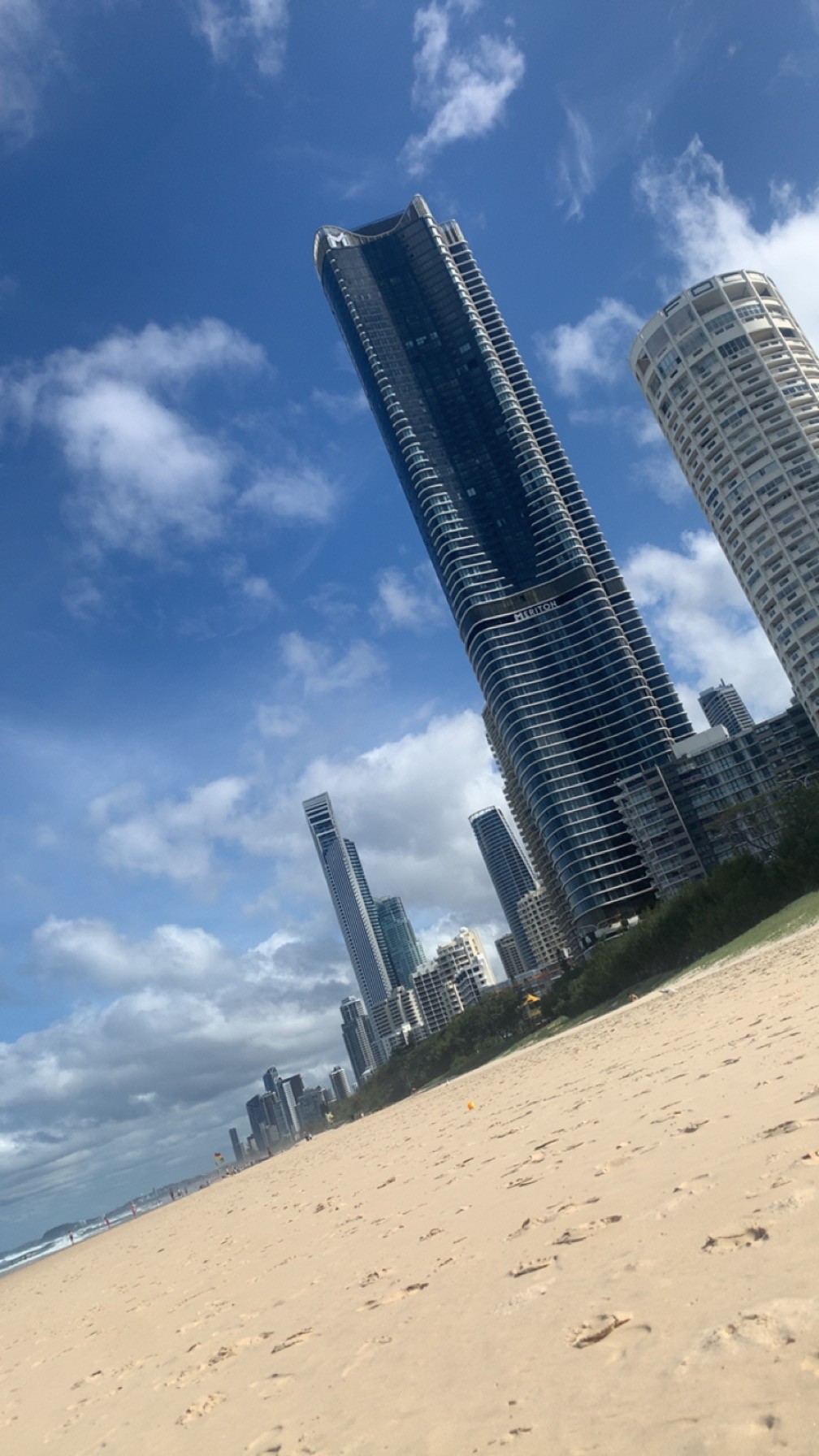
Tilted image of Surfers Paradise with the beach, skyline and ocean in view.
Tilted image of Surfers Paradise. Photo by Matthew Caines
Tilted image of Surfers Paradise with the beach, skyline and ocean in view. This image has used the perspective tool to make the photo look straighter.
Edited image of Surfers Paradise with straighter look to photo. By Matthew Caines

Surfers Paradise during the day with a slanted photo and straightened one. The slanted one shows too much beach whereas the straightened one gives a good look at the buildings and everything in shot despite being quite tight.

The correct aspect ratio for images in an online article is16:9 and that is what they will be in my final project.