F-stop 1.4

F-stop 4.5

F-stop 16

I positioned James in this position in all three photos as I felt with the background having the buildings on each side then a clear view of the sky at the back with the view of the sun trying to break through the clouds it would be good to experiment with.
The first image I took on the lowest f-stop setting which on my camera (iPhone 16 Pro) is 1.4, this allowed the shot to fully focus on James and completely shut out the background allowing a nice crisp focus on James. The background been blurred gives an effect where it makes James standout, which he does anyway because he is the centerpiece of the image. But with this setting if you were to be in a crowd of people, lets say a festival perhaps, and you had this on you would be able to make your person the main focus which would be ideal so you don’t have a loud photo.
The second photo was taken with an f-stop setting of 4.5, this is what my camera said to me that the middle (default) setting was but I believe it changes when you adjust the zoom on the image, I think as well my portrait on my camera was set to 2x but this could be the standard for all portraits but I’m not so sure. This probably turned out to be the best image out of the lot of them which makes sense considering it told me this was the recommended setting. I think the background on this one works perfectly with the focus on James because it blurs it out but you can still make out what’s what without having too look too much whereas compared to the first image I think you look at it and it doesn’t look right with the intense blur.
The third photo was taken with the highest f-stop setting which was 16. I like the way it captures the whole of the background and now knowing the details of the settings and what they do I would feel more confident if someone asked me to take some photos of them to get better results than just using the default settings on everything. This image I think doesn’t work well but it was a good tester for me to see the differences. If I was to use this setting again I would have it where it is a scenic background where the sun is rising/setting and the person in shot is facing away from the camera and towards the background with the focus on the scenery to fully exaggerate how good the view is.
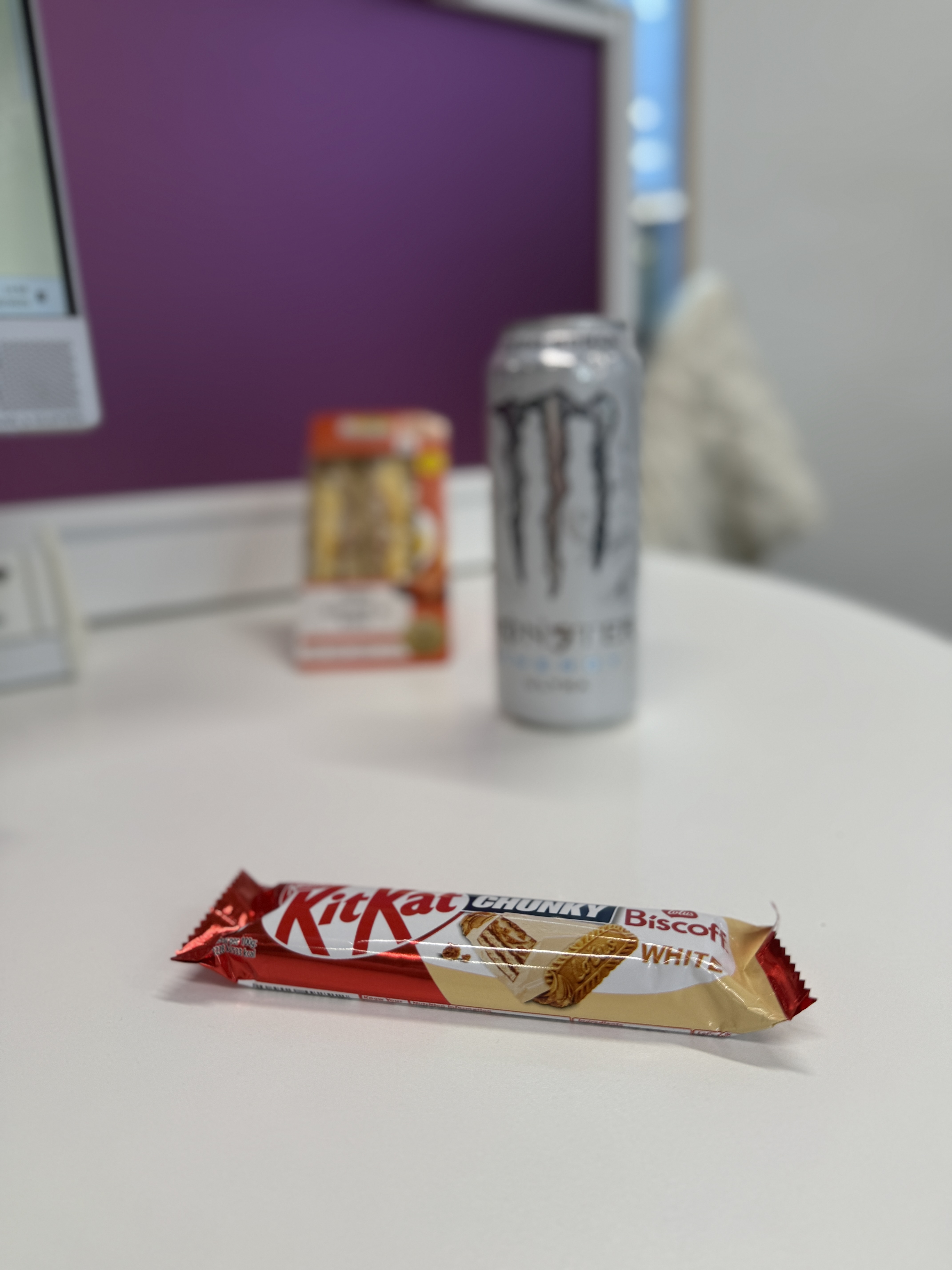
Close object in focus
All three objects in focus

This was a confusing task for me to try and complete and I don’t think it worked out in the end but I did give it a go. The first image was quite simple, however the wrapper on the KitKat made it hard to get a full focus on it but nevertheless it still worked, all I had to do for this was use a lower f-stop setting and put the focus on the KitKat and it put the other items out of focus making it look like the KitKat was the main item in the meal deal.
The second image I did a lot of playing about with after doing some googling and this was the best result I achieved, out of 20+ images as well which became frustrating. To get it to this stage of focus all round I increased the f-stop setting from the last one and I increased the exposure levels and this got all three of the items in some form of focus. I’m not sure if it was the size difference of the objects that made it hard or it was just me not using the right settings but it was a challenge to get it to this point. I am definitely going to have a play around with this and see if I can achieve three objects and different lengths all in focus at the same time.

 Photographic Journalism
You must be logged in to post a comment.