I edited pictures taken at the Whitby goth festival. The weather was overcast which meant that a lot of pictures were dull, dark and shadowy. This meant that I had to create new layers and edit them with the adjustment tools. The tools I used are as follows, Hue/Saturation, Brightness/Contrast, Curves, Levels and Colour Balance.
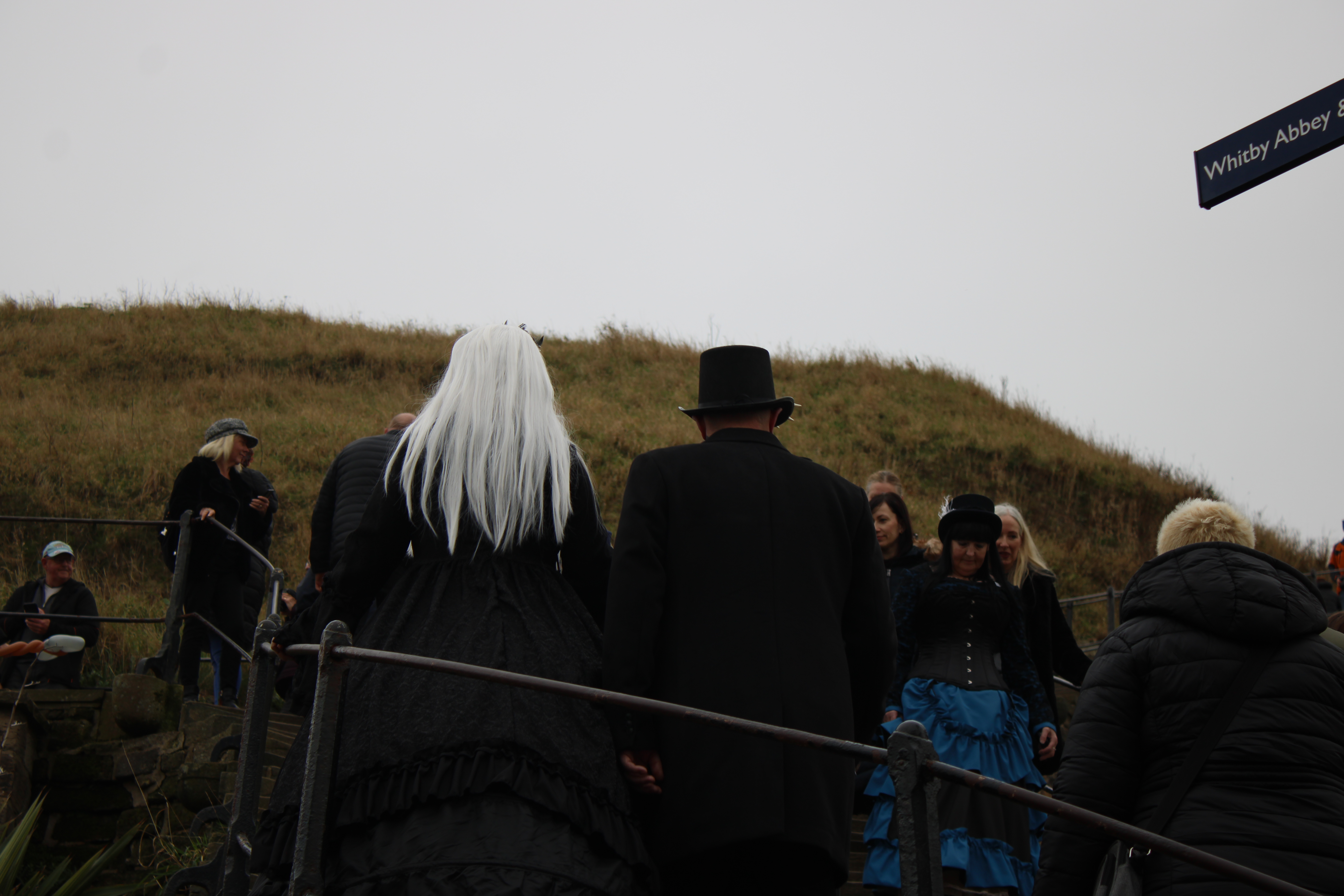
Whitby staircase
Firstly I edited the picture below because it was dark, and grey. The changes I added are very subtle. I used the Hue/Saturation layer to boost the yellow with the Yellow Boost preset along with upping the Hue by +5 and saturation by +20. I also changed the ratio of the image to fit with the 1920x format.

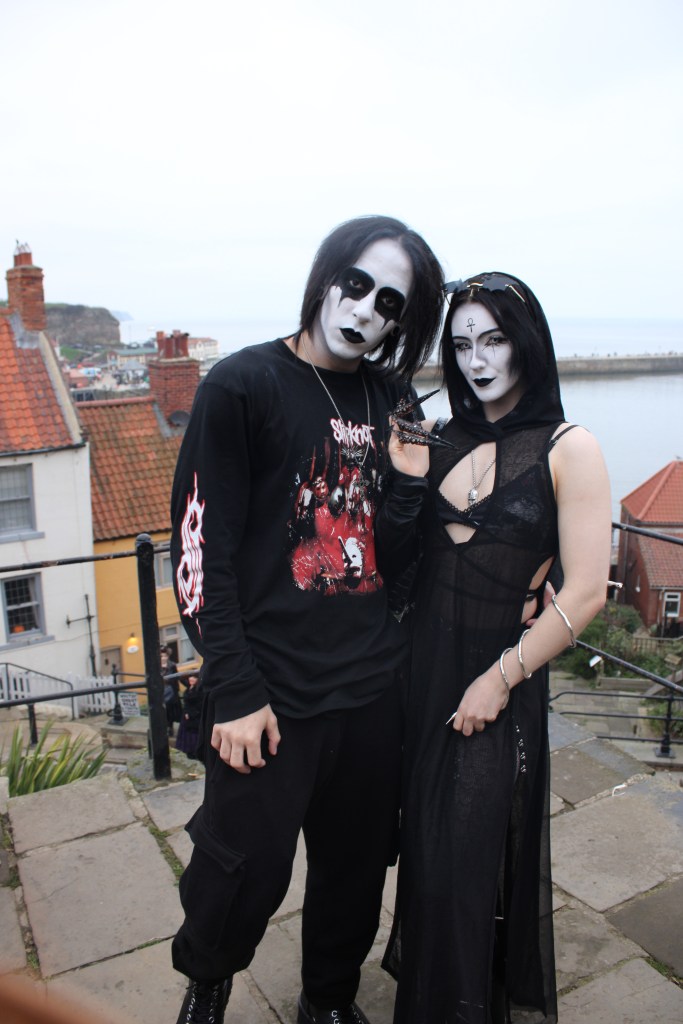
Goth couple
Secondly, I edited the picture below by editing the picture to landscape with the 1920x format. The original image included my sleeve in the bottom left. I added the adjustment layers of Levels and Curves. The levels layer allowed me to get the correct saturation level. The Curves adjustment allowed me to contrast the black of their hair with the white of their makeup.

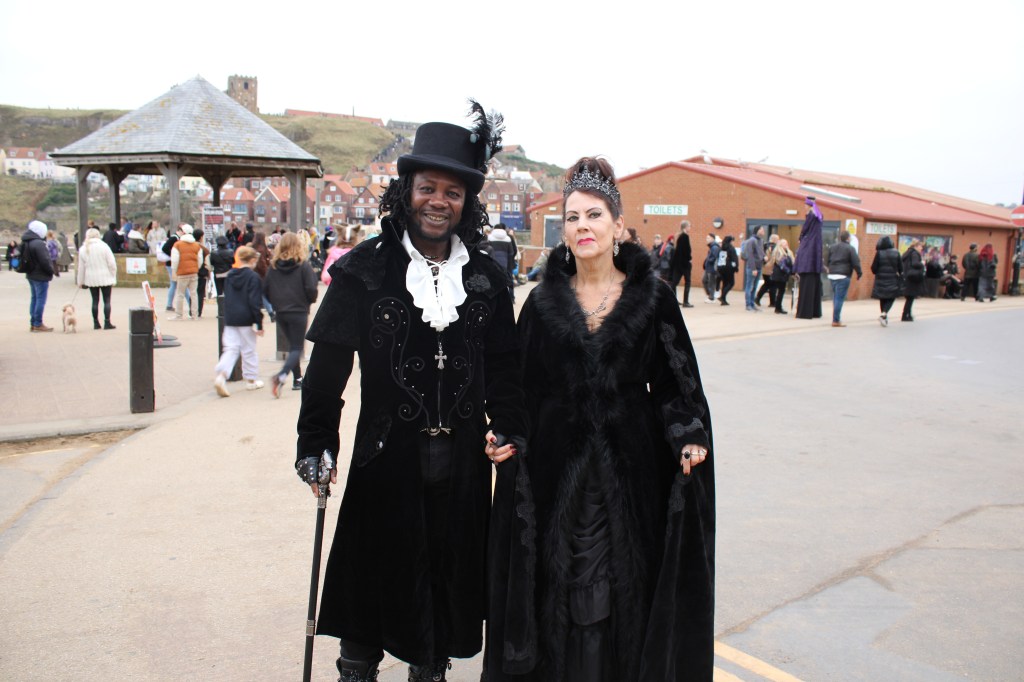
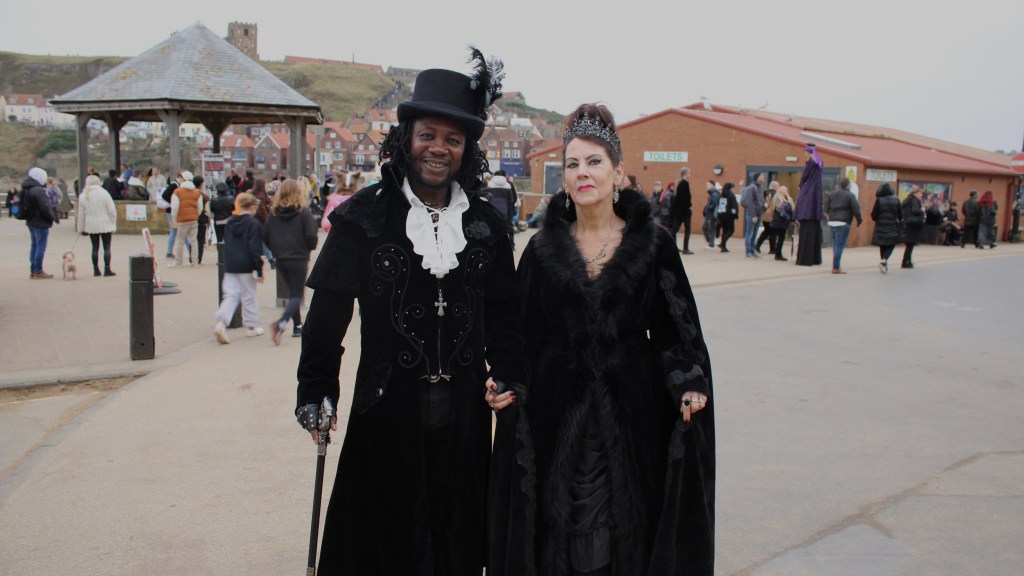
Victorian couple
Thirdly, I edited the below image using the Hue/Saturation tool. I thought the saturation and brightness was too high. The white sky was bleaching the rest of the image. I also cropped the image to fi the 1920x format.

 Photographic Journalism