This week, we learnt about to use of F-stop and were tasked to practise with our phones at taking F-stop images.
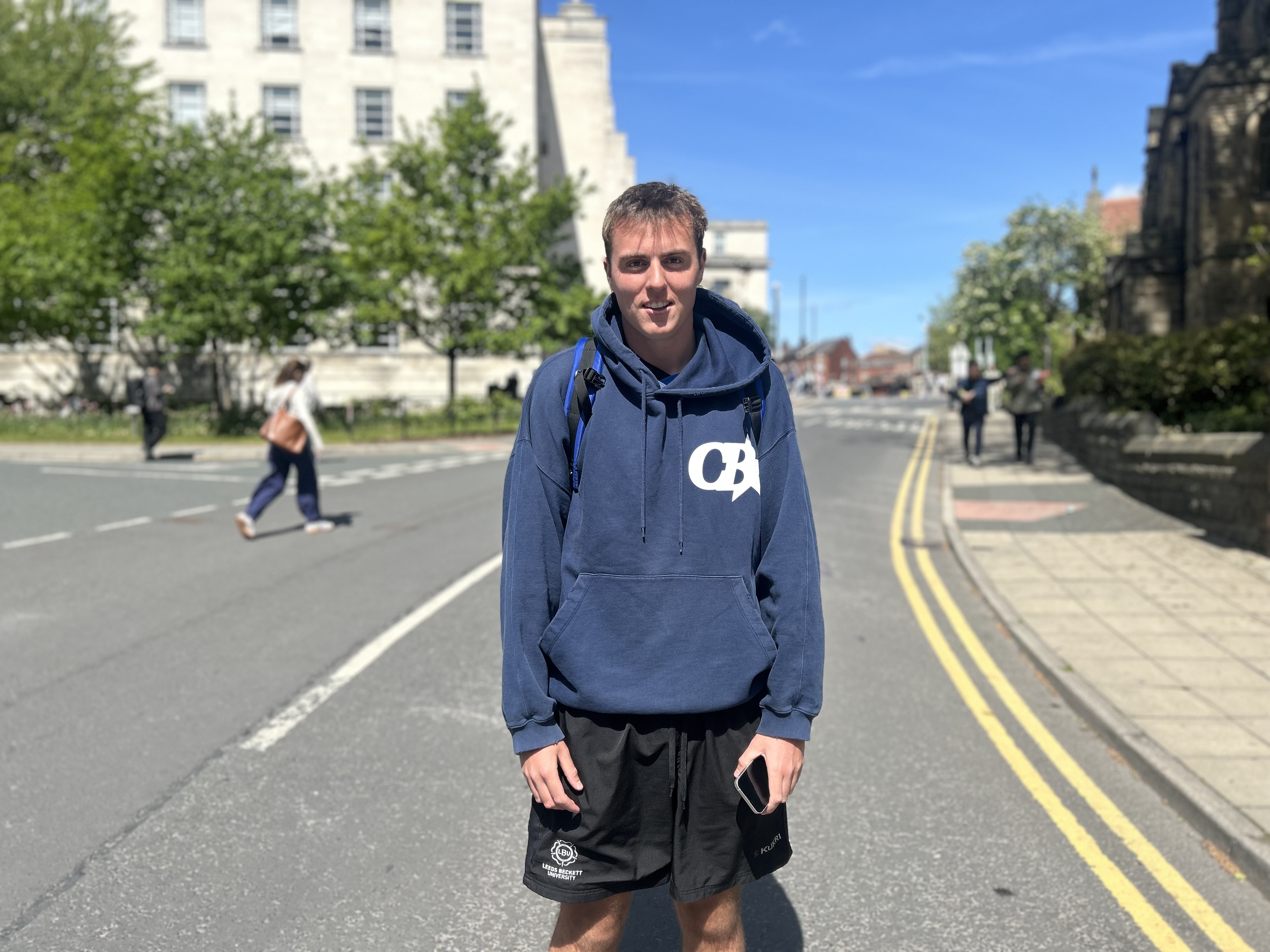
When taking my photos, I used my phone and selected the portrait mode setting and used the F-stop slider to select the amount of blur I had on the background.
In this first photo, I didn’t use any F-stop at all, and you can see this as the background is completely visible.
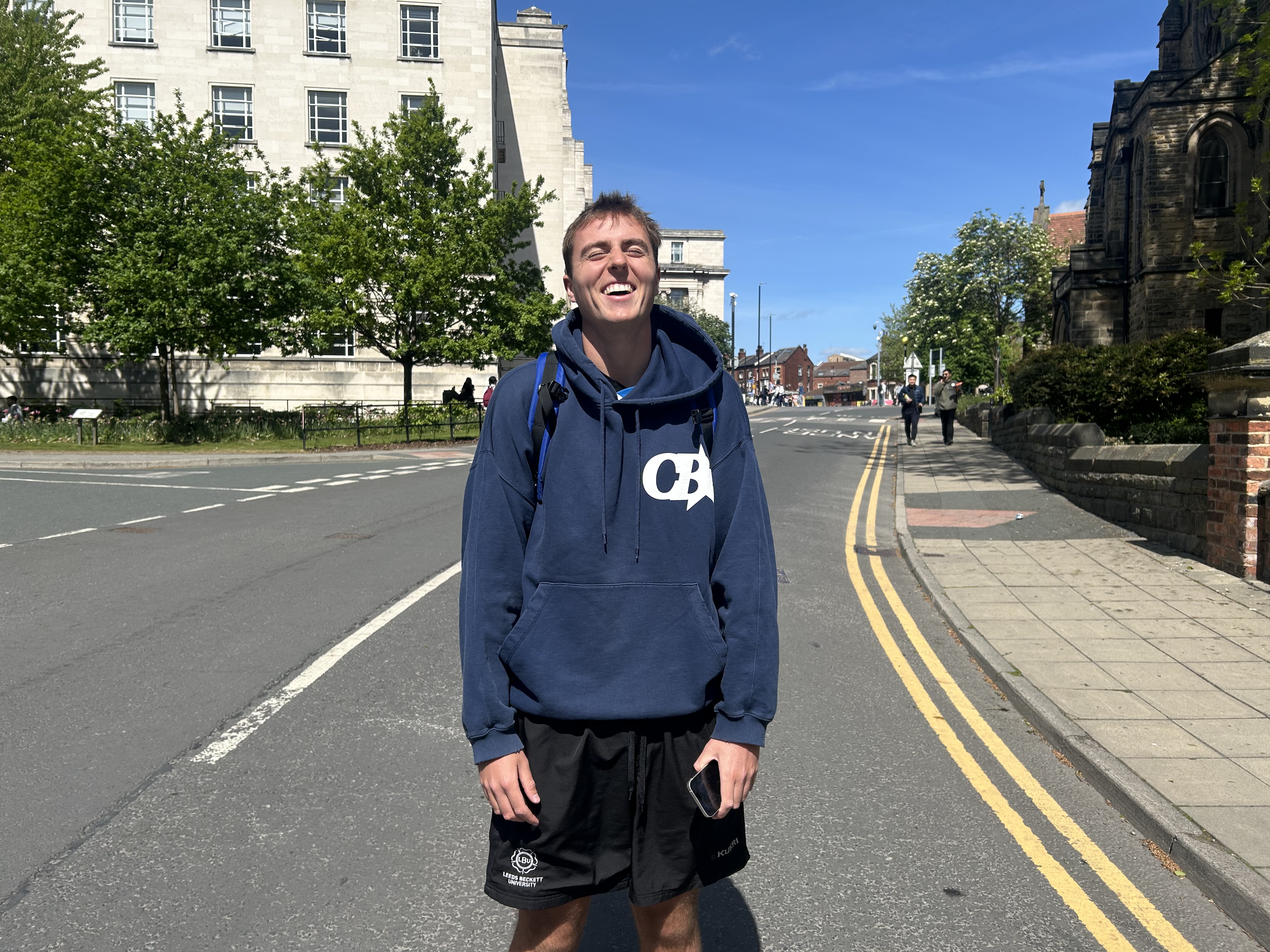
For this next image, I used the F-stop slider and put it roughly in the middle. This allows the background to still be clear and visible, but with more of a focus on Nico, who is the main foucs of the image.

Finally, I took an image with the slider roughly on 1.3, which allows a fairly blurred background, putting all focus on the main subject in the image, Nico. I prefer this out of the three as it allows a clear image with a clear focus to be taken.

 Photographic Journalism
You must be logged in to post a comment.