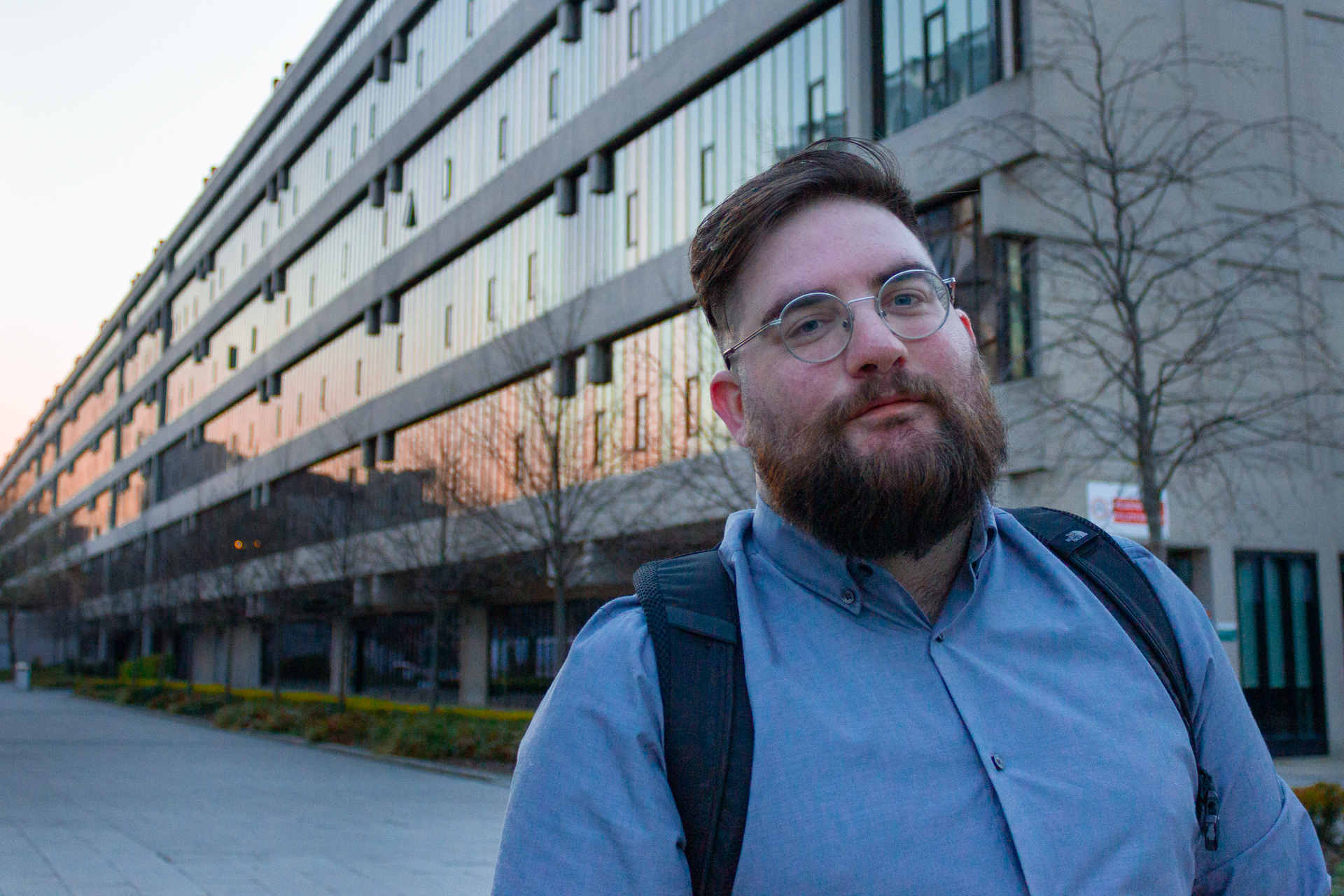
For my project, I will be taking some of my photos in nightclubs so I wanted to get to grips with bringing detail and colour out of darker images. For this task, I used a Cannon 550D with a kit lens to take a landscape shot of Briggate and a portrait shot of a friend outside one of the University of Leeds buildings.
I edited my photos using Adobe Lightroom as it’s what I’m most comfortable with using and is an industry standard when it comes to colour editing in photos.
I edited the portrait first, increasing the exposure to counteract the darkness and dropping the highlights to reduce the contrast. I also increased the colour temperature slightly to give the night a warmer feel.

For the landscape, I began by increasing the exposure and decreasing the highlights as before. Then, I isolated the sky and darkened to give a greater appearance of night and lightened the buildings to give them more detail.
I also increased the saturation to give the building colours a slight neon effect, simulating the neon of a nightclub, but balanced this out by lowering the vibrance, making sure the muted colours in the image weren’t also increased, preventing the image from looking cartoonish.


 Photographic Journalism
You must be logged in to post a comment.