Emmie 25th April update

Since the last update, I have made lots more progress. I went out and did some more photos of my three interviewees in a league derby against Leeds. They drew 2-2, an achievement for Bradford as the last time they played Leeds they were easily beat. Here are some of my favourites which I edited and I am thinking of using in my final project:

Ash
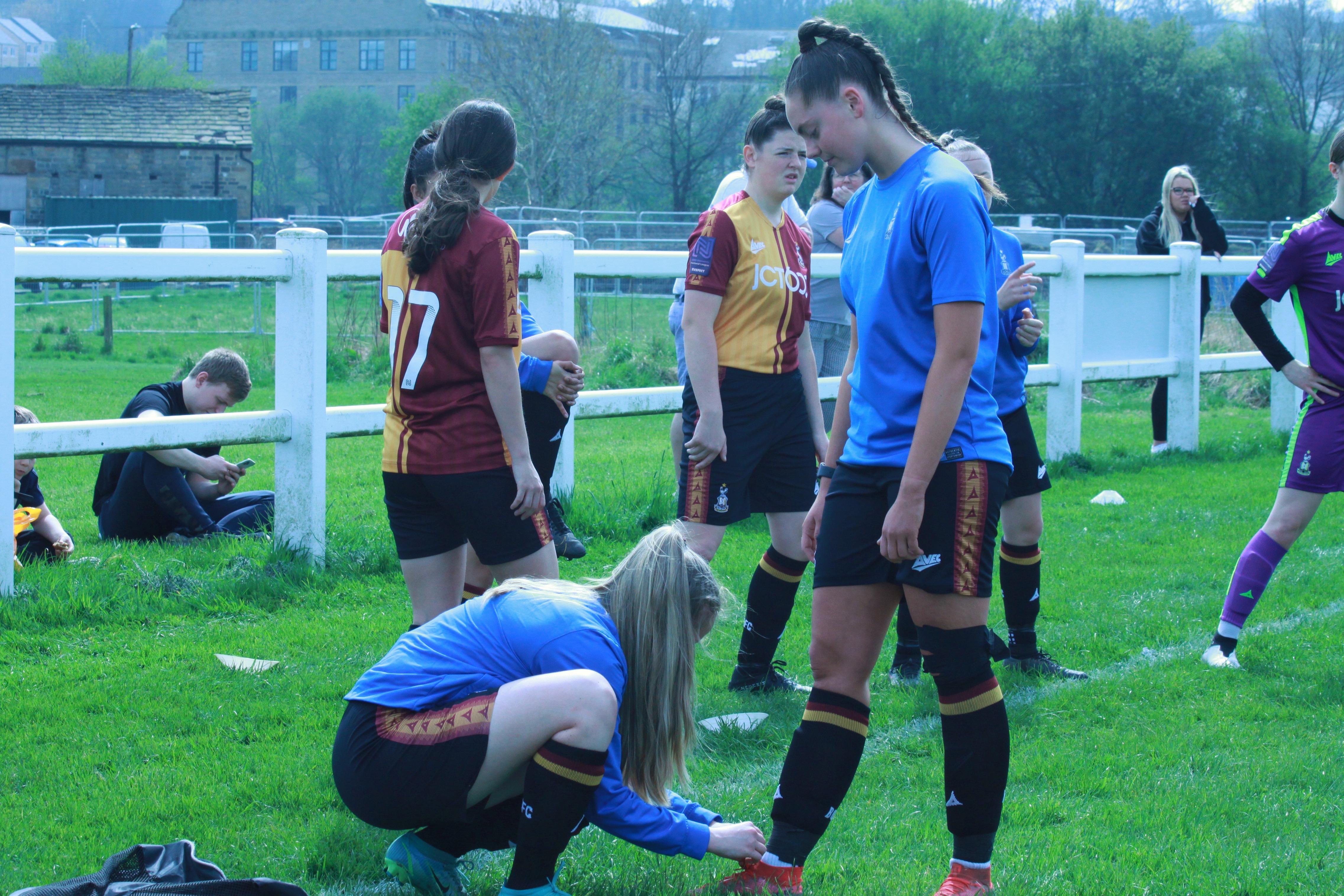
Ash getting her shoes tied by her teammate, captain and best friend Katie, as she doesn’t know how to tie them herself
Ash signalling to her team to turn it around
Ash tugging one of the Leeds players out of frustration
Ash laughing and messing around because she knew I was taking photos

I chose these images as they perfectly sum up Ash as a person. I particularly like he third image as Ash used to play for Leeds United and Leeds and Bradford are known as bitter rivals, so there was a lot of tension in that shot. The last one I also love as it shows a lighter angle to her. I love the idea of the first image, however my camera settings were all wrong which is why the image looks so blue. This is an image I want to redo at a later date.

Val

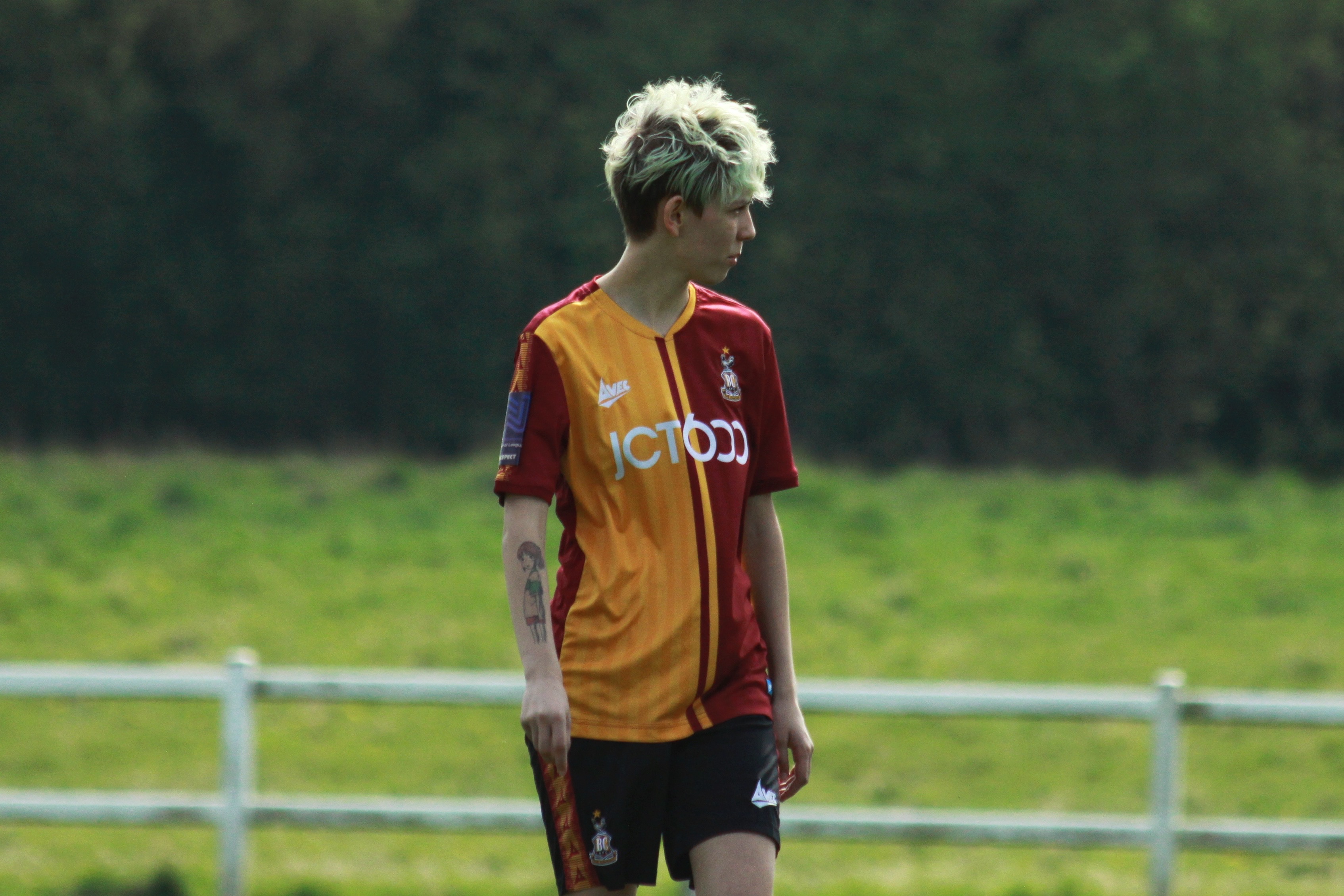
Portrait of Val after the match, smiling because she had scored
Val observing the pitch
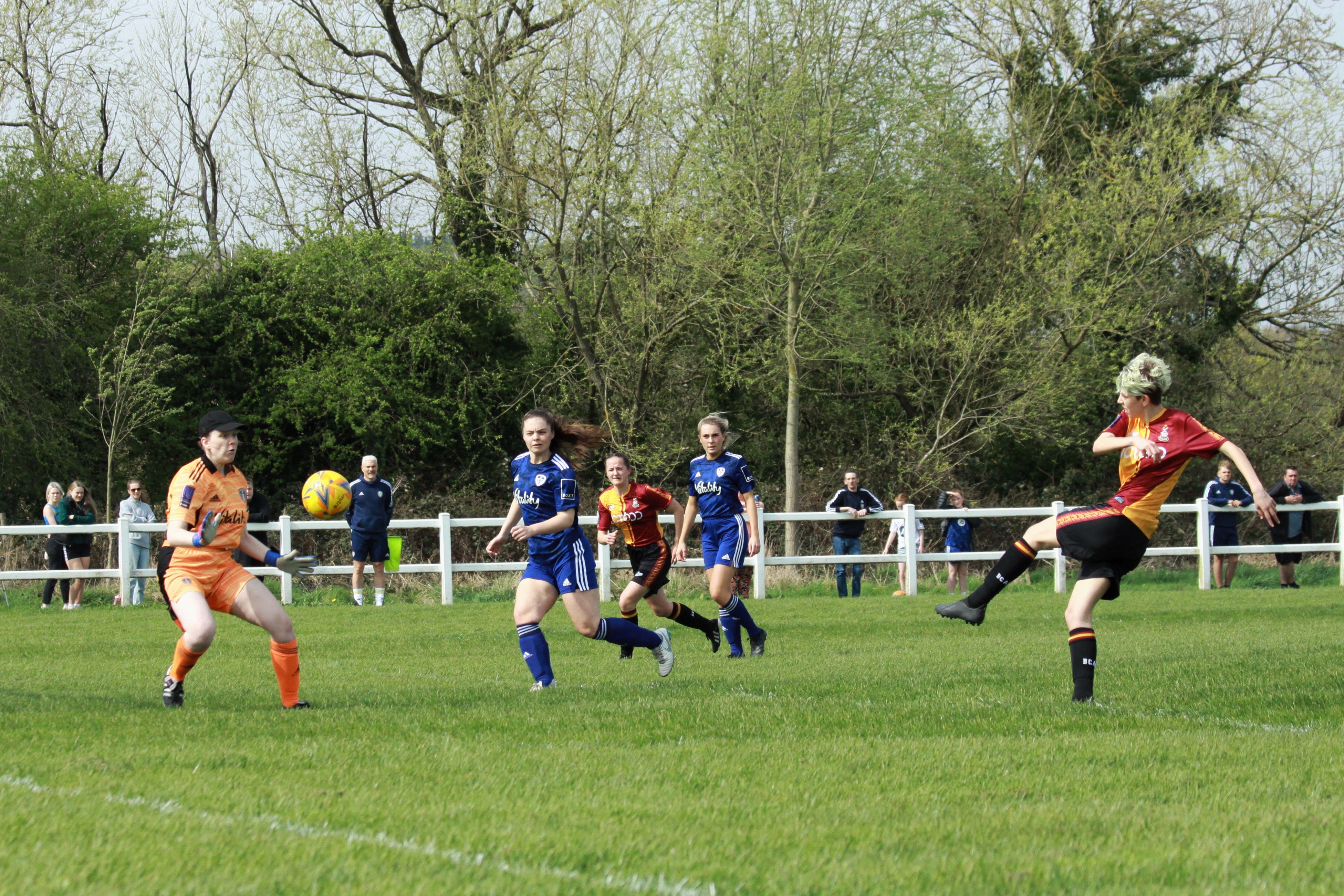
Val scoring a goal
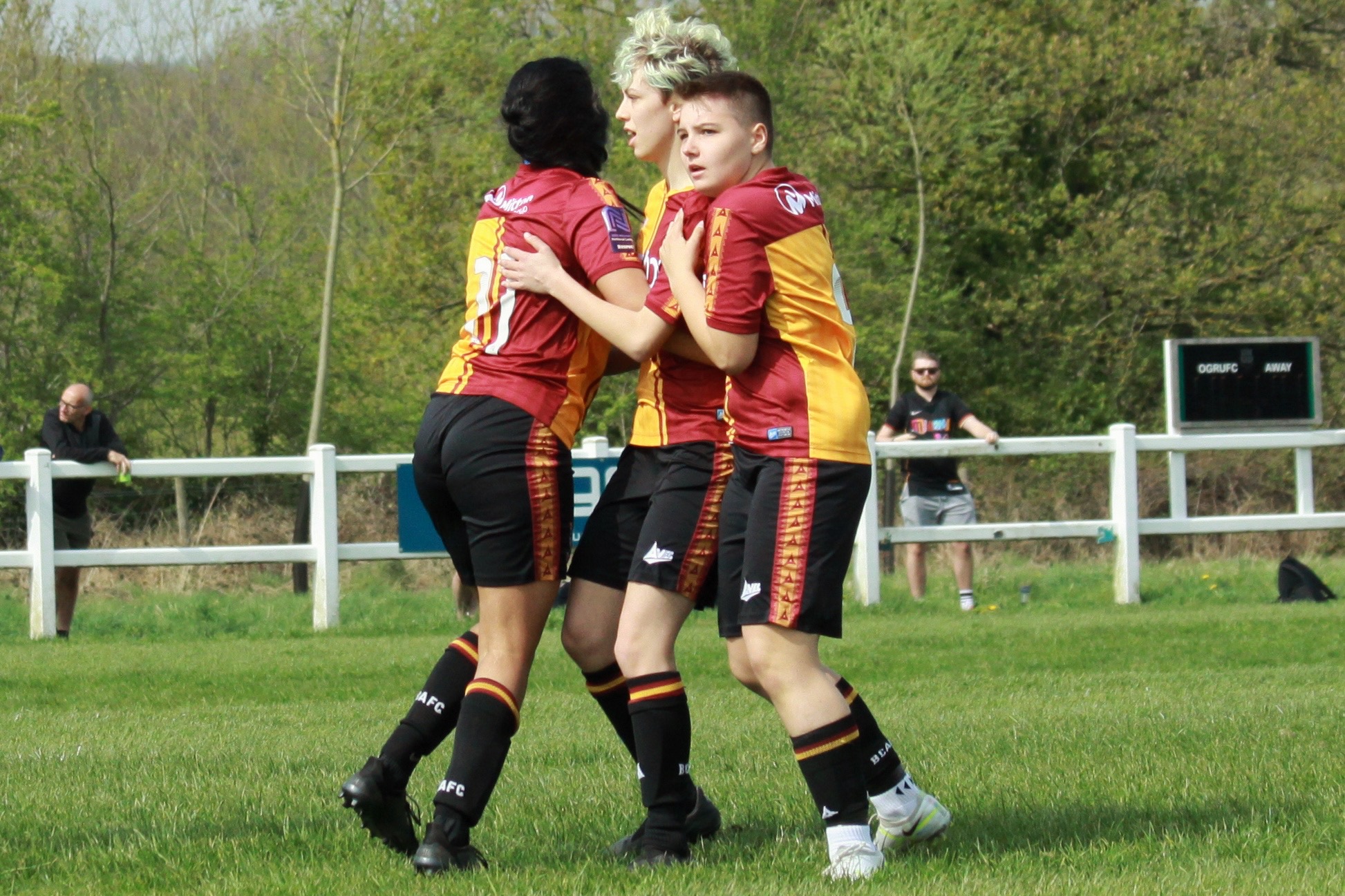
Val celebrating with Shareen (left) who assisted her and Hannah (right)

I really like all 4 of these images and as I used the right setting on my camera, the only editing I had to do on most was some cropping. I wanted to have a portrait of all three interviewees and Val is an equal blend of a staged shot and a natural image. I also really like the 2nd image. Val plays an attacking midfield role (10) so spend a lot of her time observing the field and making decisions.

I was really proud I got Val’s goal and her celebration with her team. I think it will make a good addition to her section of my article

Gemma

Gemma avoiding a Leeds players slide tackle
Gemma alone on the pitch

I didn’t get as many images of Gemma as she was a substitute late in the game, however I did get this great action shot of her trying to avoid a slide tackle. I did also get the second image of her alone on the pitch, I decided to crop it less than the others cause I wanted to keep the scale of the pitch.

The three girls at the end of the match

At the end of the match I managed to get the three girls together for a picture which I may use in my final project. The cropping is a little off however so I may redo this shot.

I have also interviewed Val and she provided a great interview about her struggles with eating disorders and mental health issues. I will be speaking to Ash and Gemma soon.

I will be going to at least one more game to get some more shots. One game will be against Barnsley on the 27th of March, another with be Barnsley again on the 1st. I may also be able to get some photos from a game against Huddersfield on 3rd.

Emmie 4th April update

I haven’t had chance to go out and take pictures due to other commitments however I do plan to speak with Val soon about her experiences with mental health and football. I had an idea of getting the three girls to pose with photos of themselves and pictures of themselves as children in their football kits, but I’m not sure how I could tie that in with mental health. It’s definitely an idea to keep in mind though.

Emmie 28th March update

Last week I took the time to develop my skills doing some photography and editing. I went to an in house game with Bradford City Womens Under 23’s squad and took some pictures of the players, coaches.

I then edited some of these pictures on the app snapseed. I still have the original pictures and plan to go back and edit some of these pictures on photoshop to see if the quality is any better.

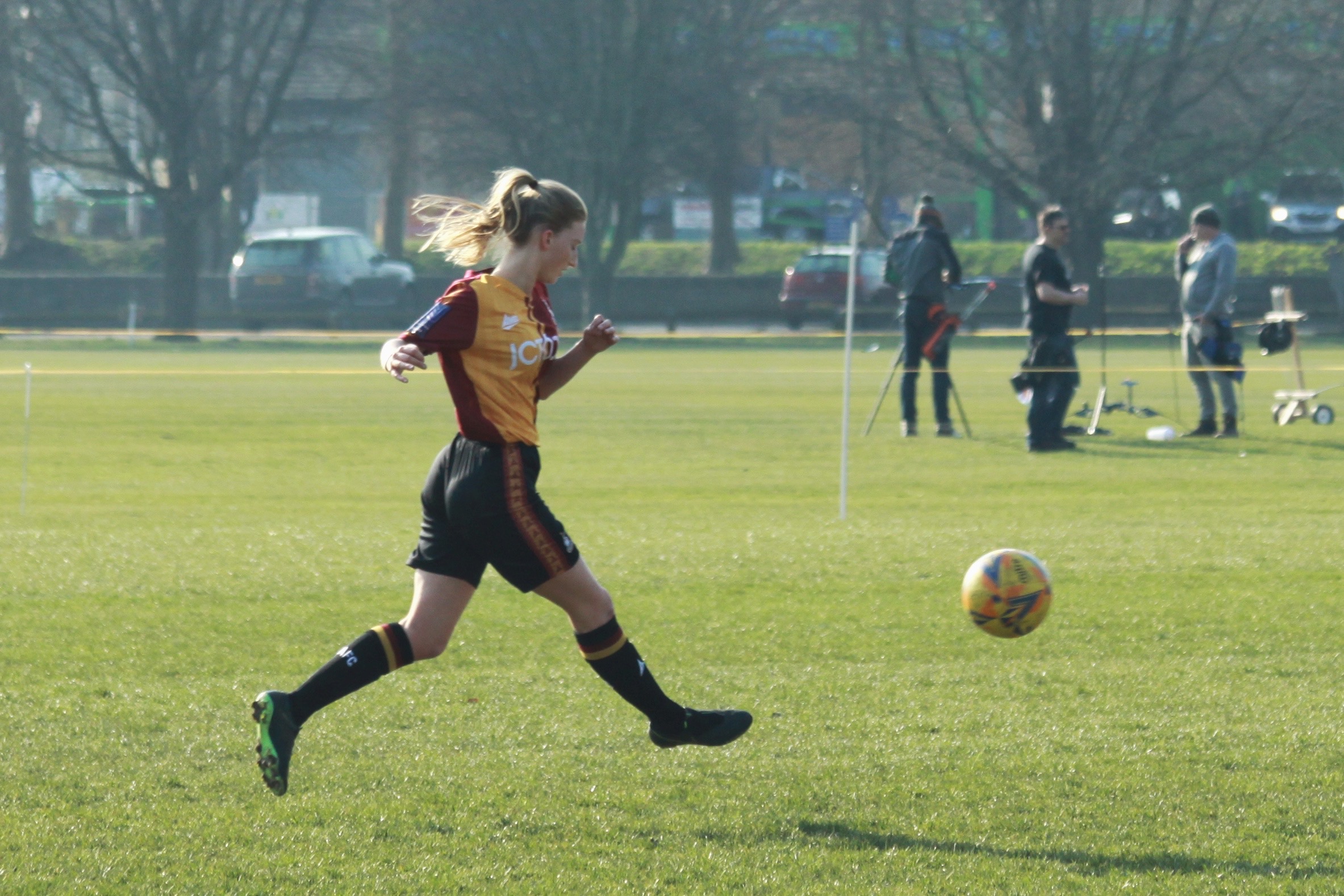
Here is a selection of my favourite photos of three people I plan to interview: Val (blue hair), Ash (brown hair) and Gemma (blonde)

Val after the game
Gemma dribbling with the ball
Portrait of Ash

I’m not sure if I will use these photos for my final project but it was good to get out with my camera to hone my skills.

Kaveen- Progress Update 3

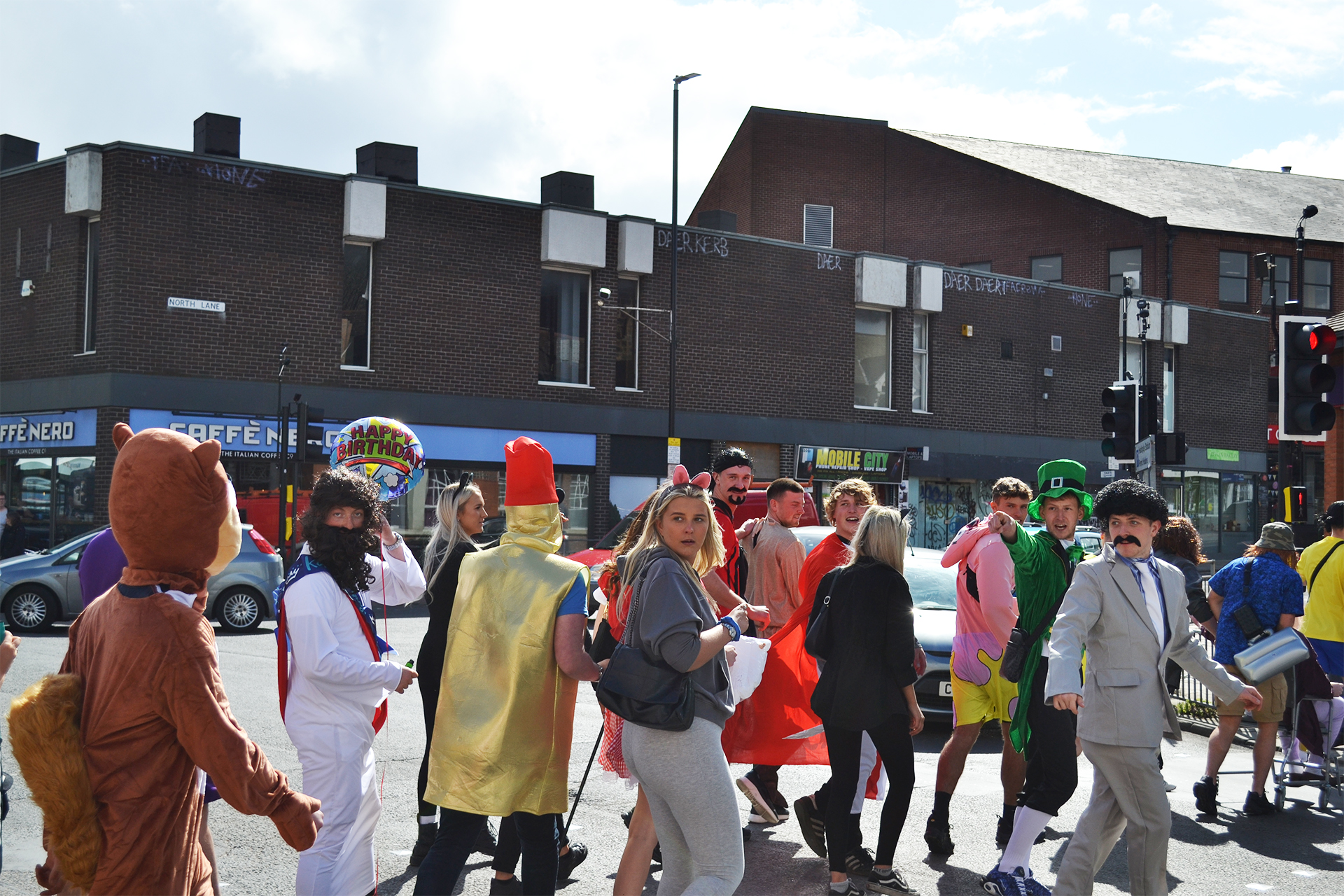
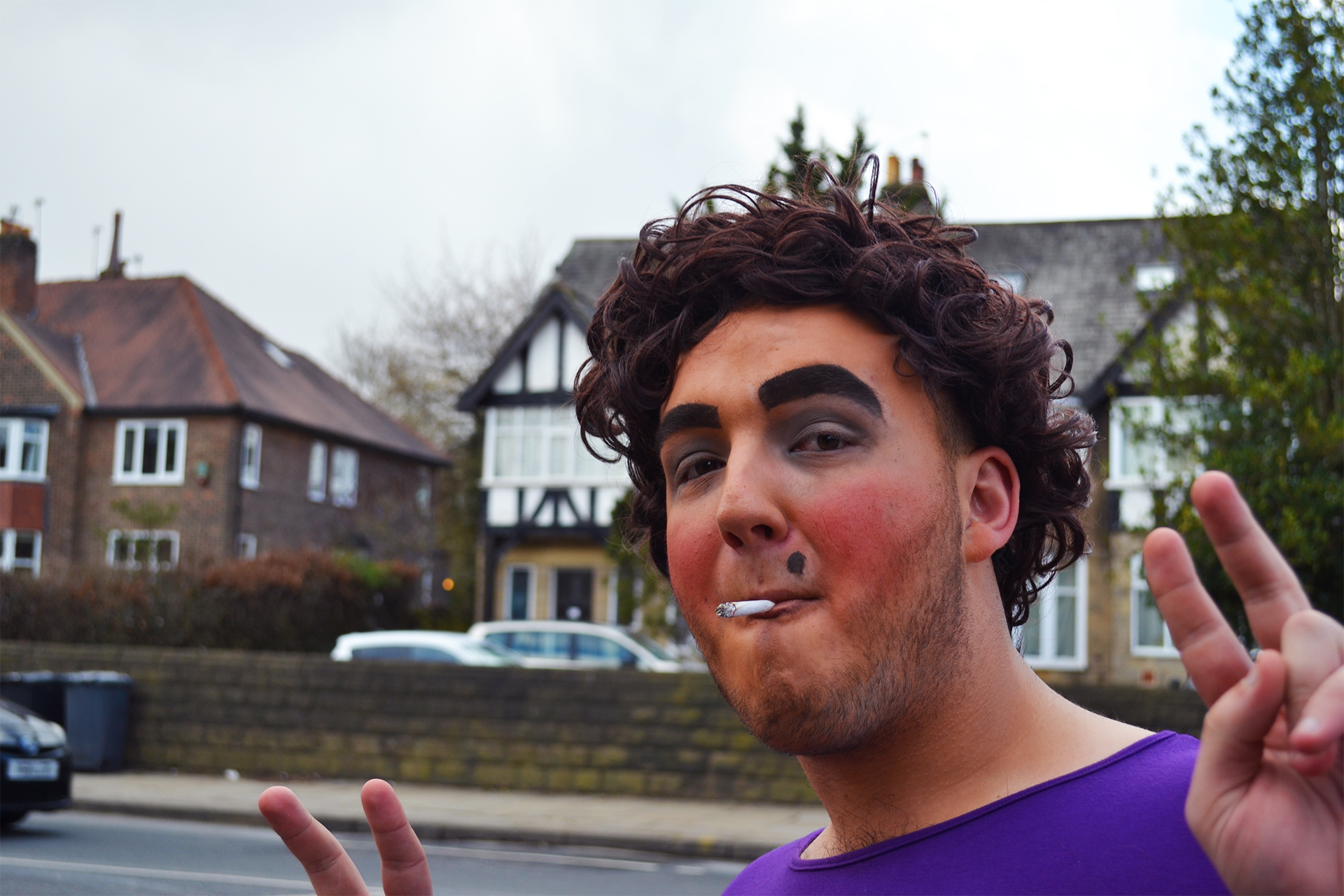
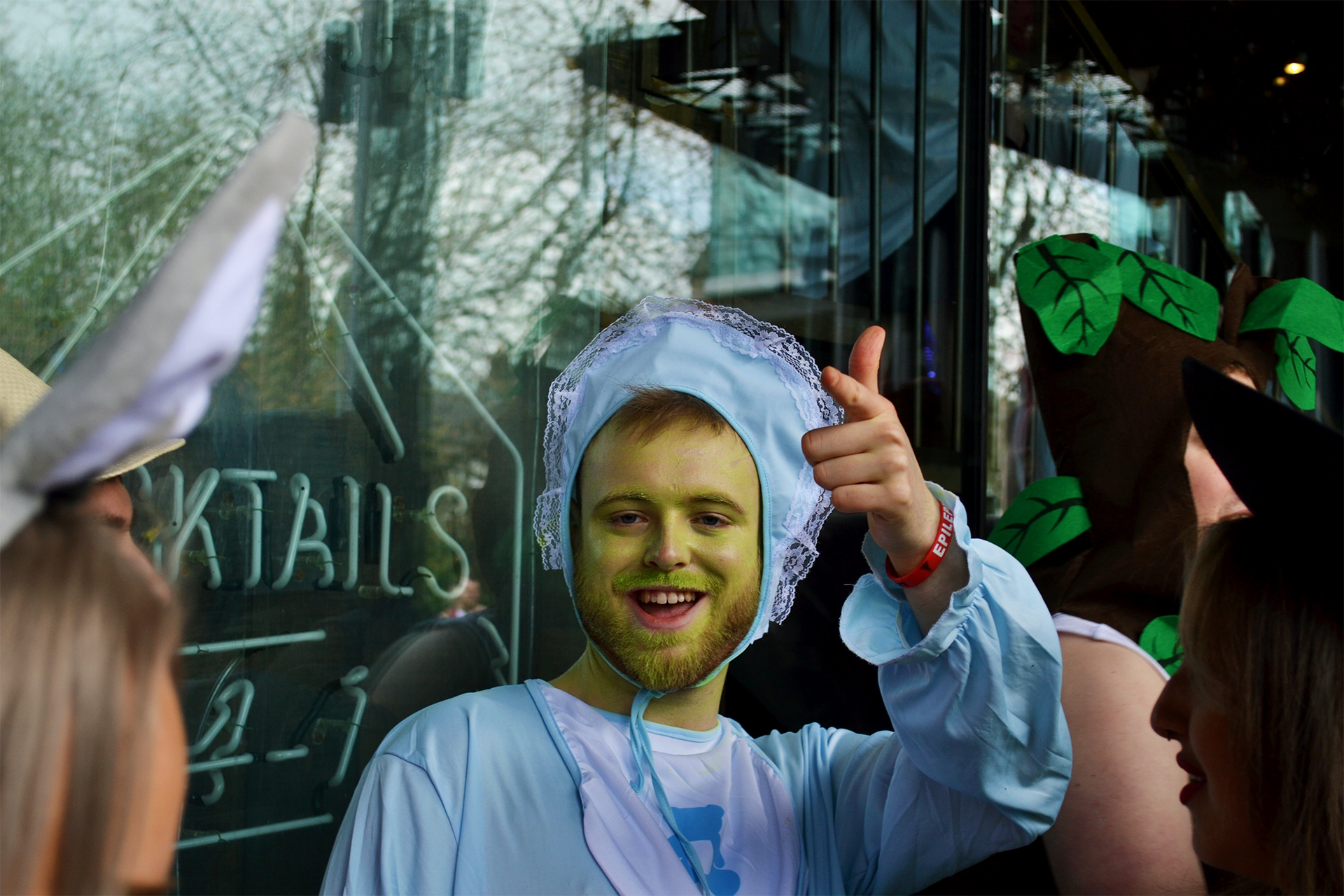
As the event is now less than a week away, I wanted to photograph a smaller event that could be viewed as having similar context to the Vaisakhi parade. So I decided to photograph the Otley Run, which is a pub crawl through Headingley, where you stop at different pubs a long the way. Putting the religious factor aside, the Vaisakhi parade has similar context as it is a long walk through Leeds, where you stop at different Sikh temples. The Otley Run would require me to take images within a short time frame and allow me to capture portraits, close-ups and photos of crowds – all of which I plan to do for my project.

First I wanted to focus on taking images with a high f stop in order to have the whole image in focus. I incorporated an f stop setting of around 8 as I was taking images with a much larger depth of field. This was so that I could get some natural but effective looking photos. For some of the indoor images I used flash and I had to adjust some of my settings to produce brighter images but I was very happy with the overall outcome of these images as I managed to familiarise myself with taking images in an indoor setting as well as an outdoor setting in a short amount of time.

I then applied a low f stop setting of around 4 to really draw out the characters on the Otley. I first focussed on the rule of thirds with some of my subjects and played around with zoom, but I also wanted to see what a central focus looked like. By practising different angles and settings, I now know what works best for the type of images that I want to produce, especially when it comes to capturing my case studies for my project.

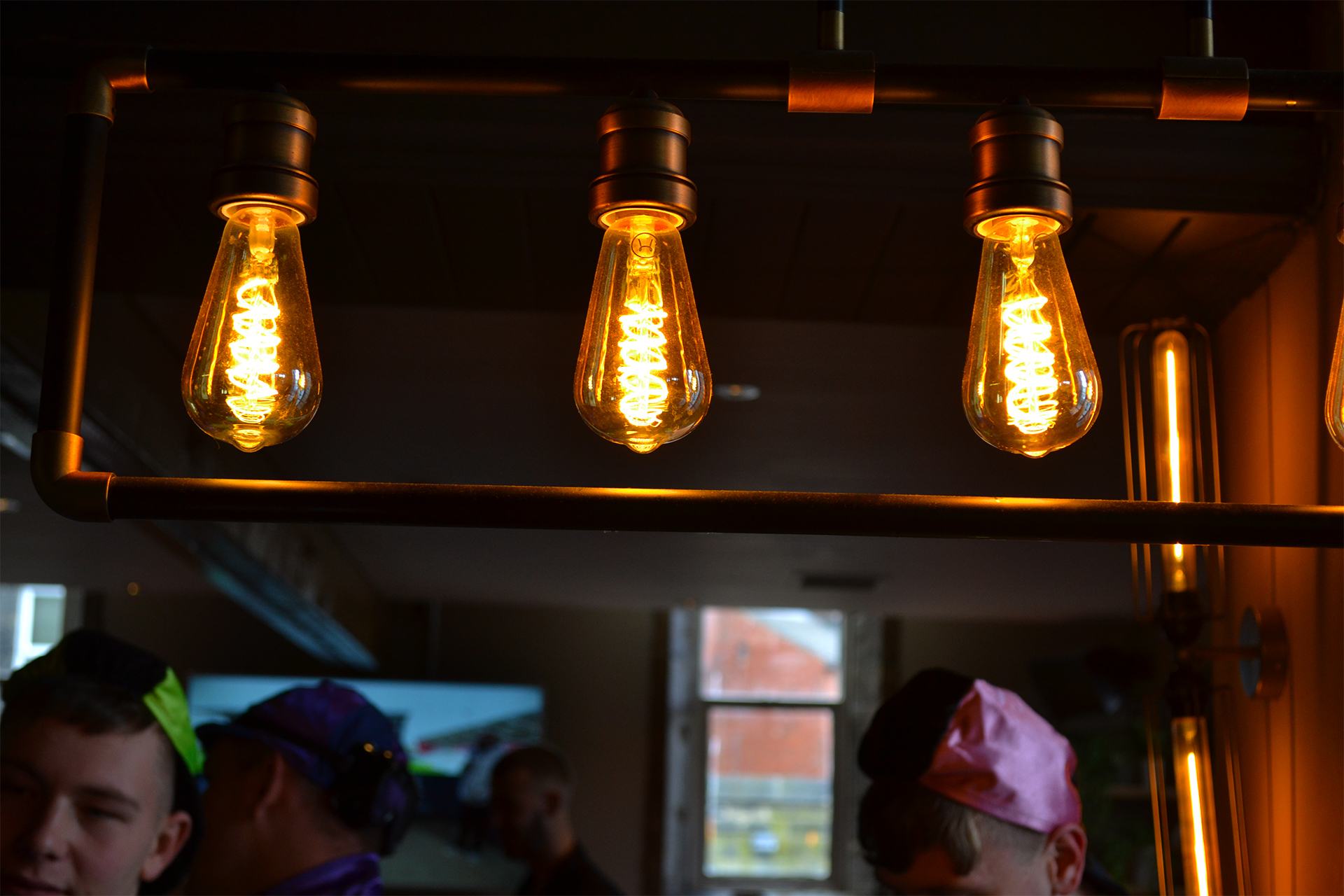
For these last three images, I wanted to capture something other than the people on the Otley. So I applied both a high f stop and low f stop to capture some objects in the pubs in a more intimate way. By getting close to the bar, I was able to capture an image that looked aesthetically pleasing and vibrant, as this is what I will be focussing on for my project.

For this image, I was happy with the vibrant colours and how the bottles were aligned , however the image positioning is not central so it could be improved. After reflecting on this picture, any images that I capture that may not be positioned right, I will edit in Photoshop to ensure that they are positioned correctly.

Overall, I was very pleased with the range of images I managed to capture. It has given me a lot more confidence in the run up to the festival that I am yet to photograph. I know that I will still face obstacles and may not be happy with some of the photos that I obtain on the day, but through determination and resilience, I will ensure that I produce work to the best of my ability.

Kaveen – Progress Update 2

As of last week my main focus was to conduct necessary research in relation to the festival itself as well as planning my potential angles and who I am going to speak to in terms of my case studies. Some potential angles:

  • How they haven’t been able to celebrate it properly over the past two years due to covid
  • Is it being celebrating different to previous years? Maybe more extravagant, more people etc
  • Peoples individual stories who are attending – the people who have made it happen/ people who haven’t been able to previously come/could look for someone attending that may not be Sikh – what made them interested to get involved
  • How the Yorkshire Air Ambulance are getting involved – speak to those on the walk/their stall at Millennium Square/ their mascot – Dr. Priti – is it for a charitable cause – what made them want to get involved – is it there first cultural event

I also reached out to one of main event organisers over the phone to set up an interview with them that focussed on the preparations so far and what has been done differently this year.

My mum will also be coming up to attend the event with me as she will be helping me to understand those who may only speak punjabi and no english. I am fully appreciative of this as she is taking time off work and paying to stay in a hotel just to support me.

Progress Update – April 11th

After an extremely chaotic 2 weeks, I can without a doubt say that the marathon went very well. Leading up to it a few days prior, the nerves definitely started to settle in – my biggest concerns were; will I be able to meet all of the runners? What if I leave and think of an image that I should’ve taken? What if no spectators are allowed at all and I don’t even have the opportunity to get the great pictures?

The truth is, these were all valid concerns – I was only able to physically meet one runner that I had spoken to before the event, I did leave thinking of a shot I could’ve taken, and there was a point where I was super concerned that I wouldn’t be able to get shots of the runners actually running. This was all normal! And I worked passed these concerns by making sure that when I got to the event, I asked the necessary questions to the event runners, to understand where I could go to take pictures of the athletes running, and it all worked out.

Since Sunday the 3rd, I have gotten in touch with the same runners to get even more detail on each case study. It was important to me to check back in with them, see how their run went and if their personal goals were met.

Before Sunday, I didn’t take pictures that related to my topic, but I don’t think this actually became a problem on the day. I had so much time from when I got there early at 8am, then all day to take as many pictures as I wanted to. There were points where I took an image and thought ‘Oh I don’t like how that looks’, but then there were hundreds of more runners that followed who I could take more pictures of and correct my mistake. There were so many learning curves that I can appreciate now when I look at the images I am most proud of.

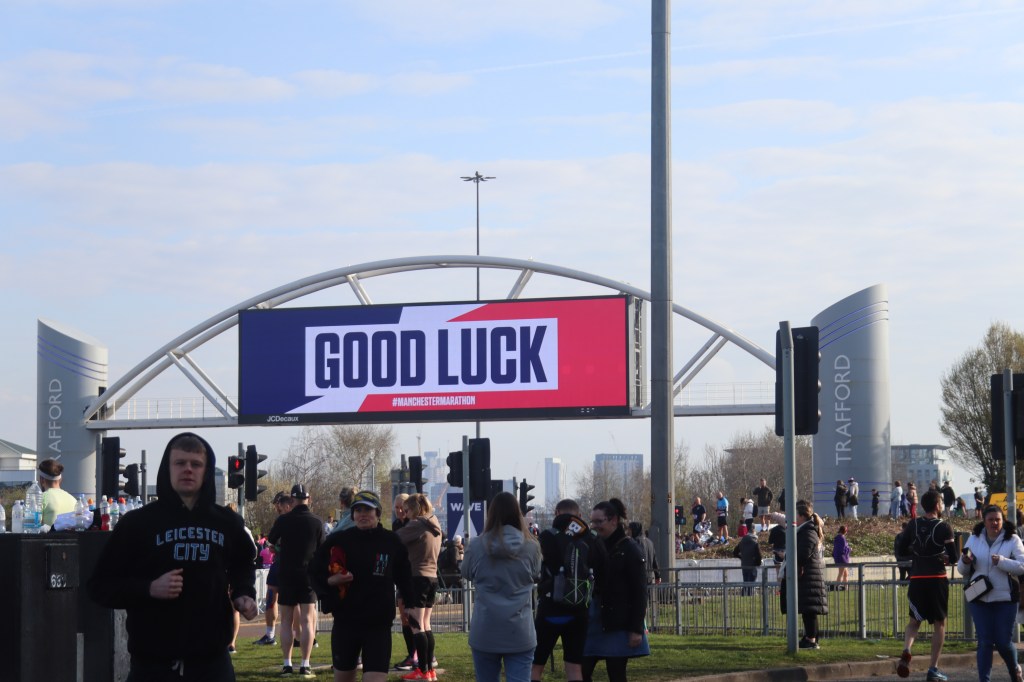
Because I have a surplus of images from the event, here is a sneak peek of some pictures I do not intend on using for my final project, enjoy!

Progress Update – March 31st

As I have now figured out the exact topic and lead for my project, this week was all about planning after a quick turnover, considering the fact that the marathon was only a few days away. During this week I decided it made the most sense to try and get in touch with runners and event leaders through the Facebook page, which in the end most definitely proved me right.

My method of reaching out to runners pictured above, with 10 responses and positive feedback, I knew I made the right decision in utilizing the Facebook group.

I was able to get in touch with 3 of these runners straight away and had amazing phone calls with them. I then had the opportunity to fully understand their personal running journey, and how (or if at all) it has correlated to the rise in running since the pandemic. One of the runners I spoke to (Isobel Sayers) has over ten thousand followers on her running Instagram account which makes my story develop into an even stronger one! Another runner I was put in touch with had a goal of attempting to break a world record. Altogether, I was very happy and felt more confident leading up to Sunday.
I also had a play around with testing some more shots and feeling comfortable behind the camera – these two pictures are comparing how I changed the brightness after taking the first picture to really showcase and bring the beautiful colours of the fire in the BBQ to complete focus. I also wanted to move closer to get the flames moving at the perfect pace, and by increasing the shutter speed, this was possible. Although these images don’t exactly relate to the topic of my project, I didn’t want to put too much pressure on myself leading up to Sunday to perfect ‘how to take a picture of a runner running’. I wanted to get there Sunday, take some practice pictures that I know I wouldn’t use for the project, and then get going on the proper ones.

W/C 4/4 Progress update

Continuing to experiment after three failures

An example of a failed picture

I was struggling to take pictures within the shop as it is so dark indoors. I visited the shop on three separate occasions to take pictures.

On the fourth try, I succeeded to a degree and managed to snap a couple of decent pictures.

Quite dark, but purposely with a rustic feel
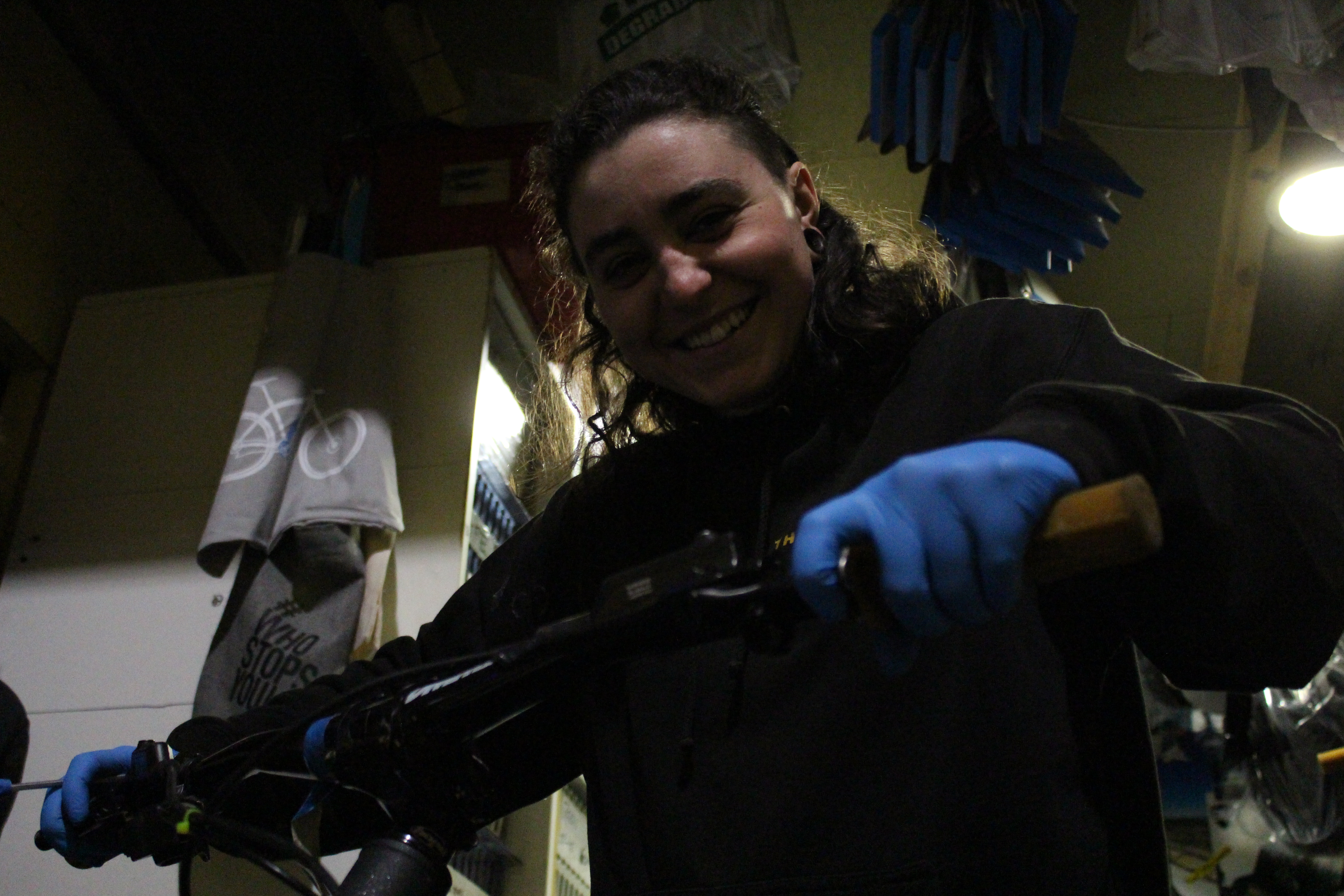
Am inspecting bars on a customer’s bike

I like the positioning and sentiment of this picture.

However I dislike the yellow-ish hue. I tried to recover the light balance in the camera’s settings.

This didn’t really work however as the lighting difference appeared to be so subtle it confused me. I decided it would be better to not confused myself and over-complicate the situation. Therefore I reverted back to automatic on the light settings, and decided to use photoshop to change the colour balance.

Blurred front with highlighted background

I tried to convey a feeling of relationships by juxtaposing Amelia with some bikes in the background. I also found photographing in the shop worked very well because of all the bike-related posters and objects which I could easily fit into the framing.
Light balance outside the shop

I tried to challenge myself with then photographing Amelia outside the bike shop. However it was very difficult again, because I was coming from a dark environment into a light environment, working on manual settings.

I didn’t like the very white and over-exposed parts of the pictures. As I like this picture and may want to use it however, I would edit the over-exposed areas down to look less white and hopefully reclaim some of the elements of the picture. Of course, this isn’t ideal. But I really liked this picture.

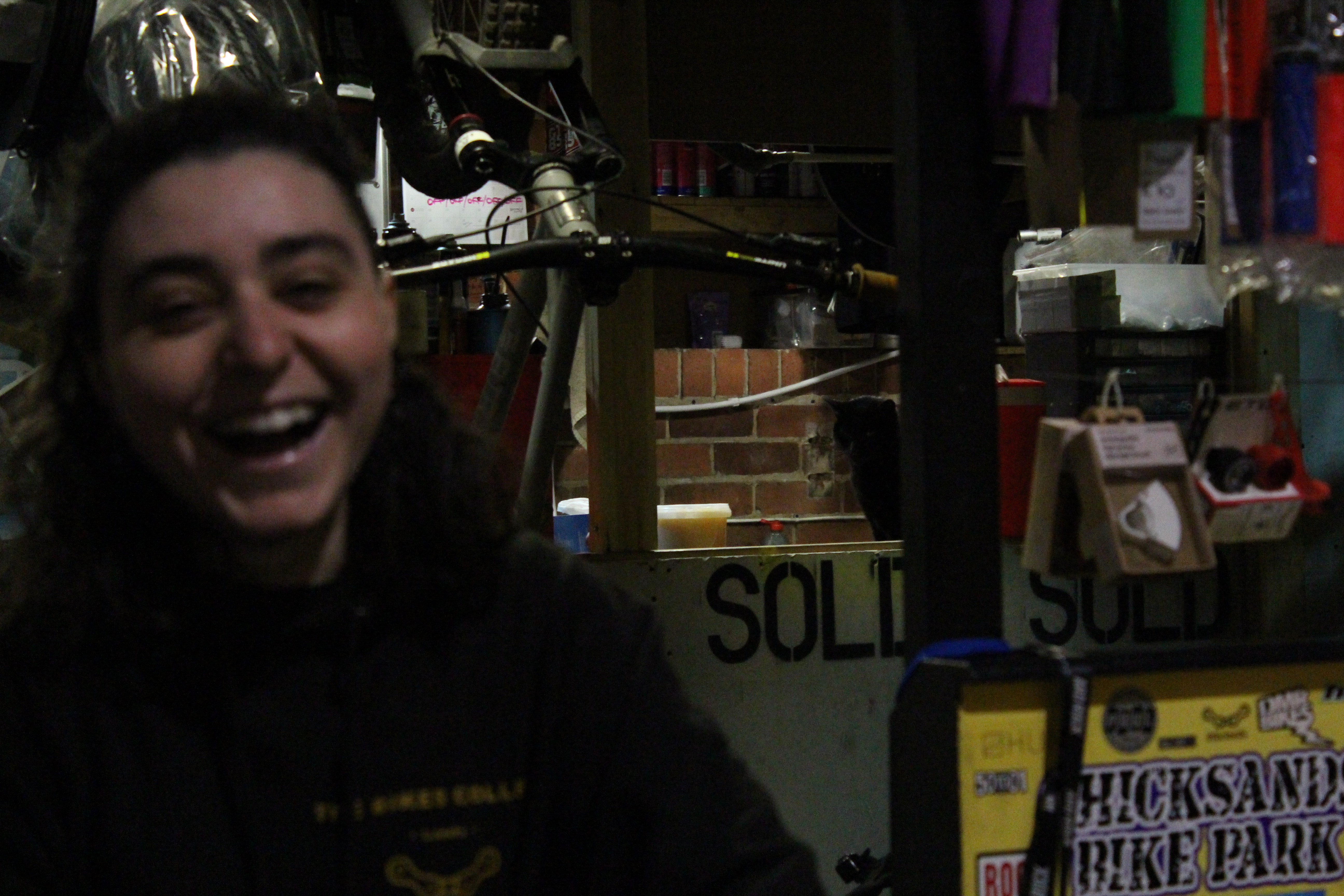
David and Am conversing in the shop

I love the candid expression in this picture, and I think I did it very well when I think about how I struggled the first few times around. I was surprised that the picture came out quite focused and captured the light quite well too.

I like the space within the workshop. The fact that it was a busy day also helped to work with space, expression and positioning.

Next time, I will try to take pictures of objects too, in JPG and unedited. I will also take pictures of people in RAW now that I have the hang of the settings inside the shop.

I used JPG for all the above pictures as I wanted to focus on taking pictures and reflection, rather than editing them through photoshop and selecting them for the intention of final submission.

Amelia – photoshop progress update

Image comparison 1

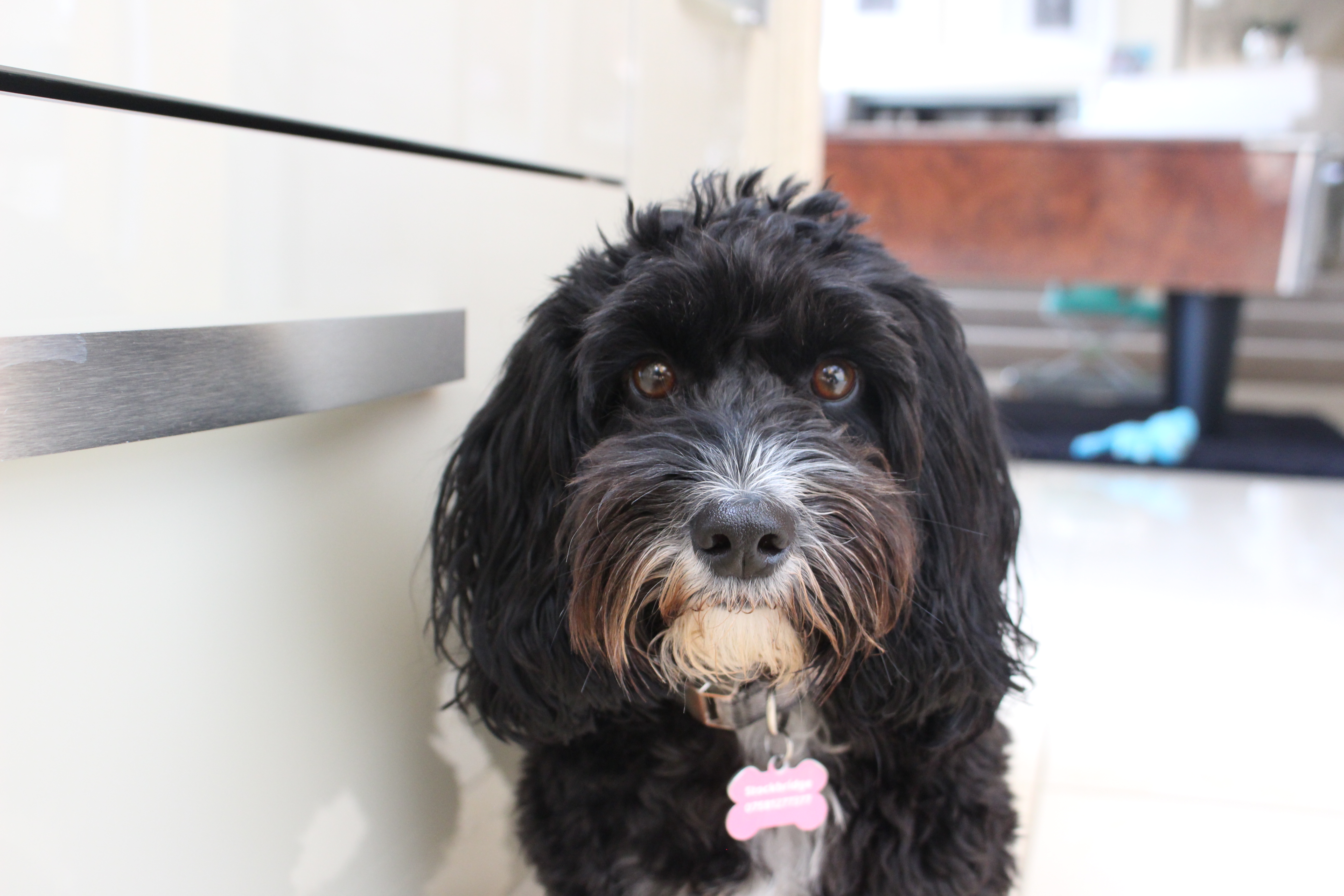
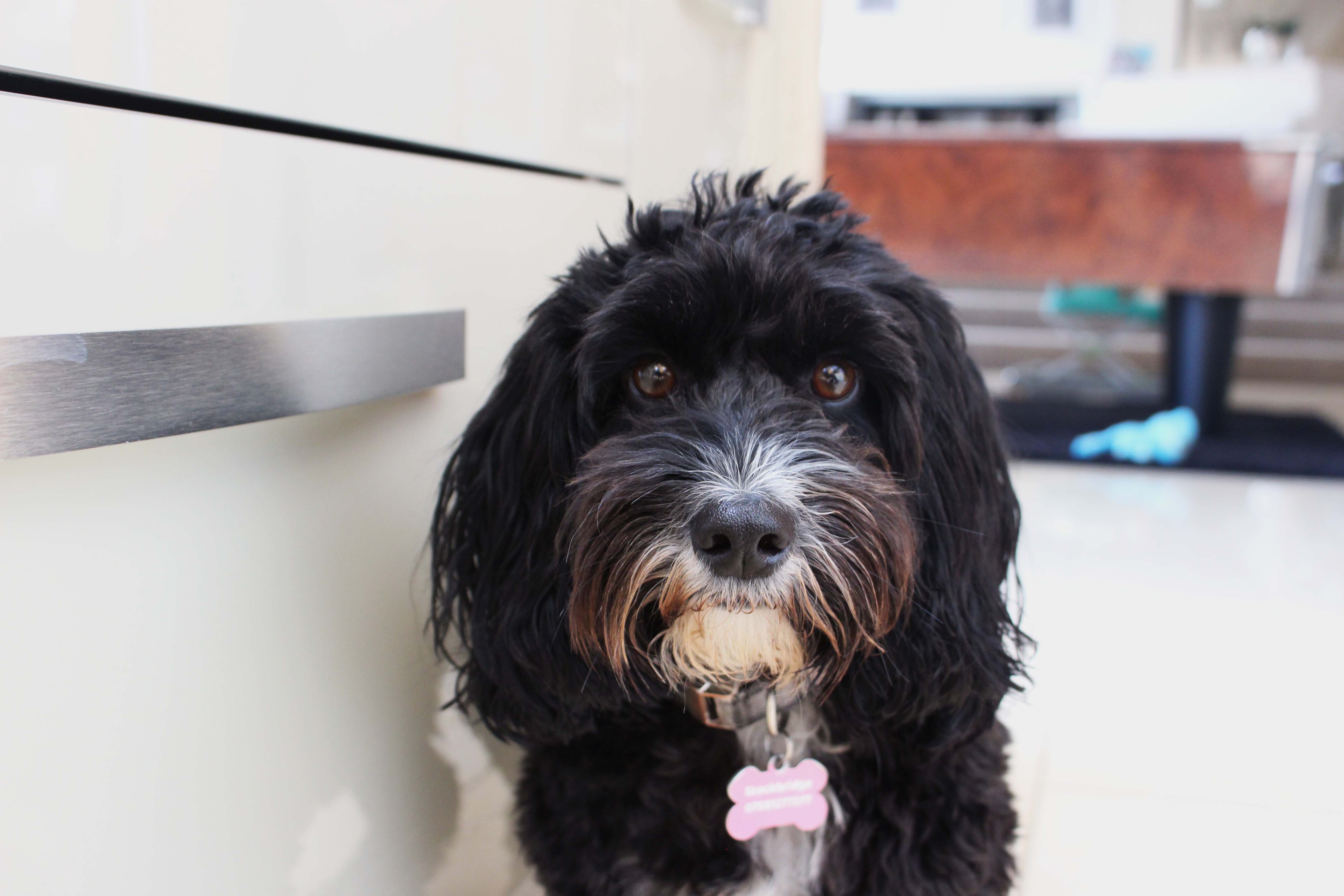
The photo to the left of image comparison one is the original photo of my dog – Boe. The photo to the right is the first edit I attempted. In this edit, I played around with the exposure, contrast and levels but really struggled to not lose the details in Boe’s face when trying to sharpen her against the really light background. I do think the edit is an improvement, although in highlighting and sharpening Boe, it has created an even starker white background which isn’t what I wanted – it needs more balance overall.

Image comparison 2

After having a tutorial with Karl whereby we discussed the problems the first edit has in regards to the harsh light in the background, I decided to try editing again, but this time focusing on the adjustment layer ‘curves’ to alter the harshness of the light specifically.

Image comparison two displays the first edit I attempted on the left, and the newer second edit on the right. As demonstrated, the second edit is definitely a softer contrast between Boe and the background which is what I wanted, although I have had to compromise on the sharpness of the overall image. It seems as though there is a bit of a cartoon-ish filter over the second edit now, which is perhaps due to the fact I increased the warmth and vibrance in the image as well as altering the light via the curve adjustment. Overall I do think the second edit is less harsh and visually nicer, which I aimed to achieve, but it still isn’t of a standard I would like – I do think this is also down to the fact that the light in the photo itself isn’t great and wouldn’t be something I would choose to edit for my final project.

Amelia – Experimenting in Photoshop

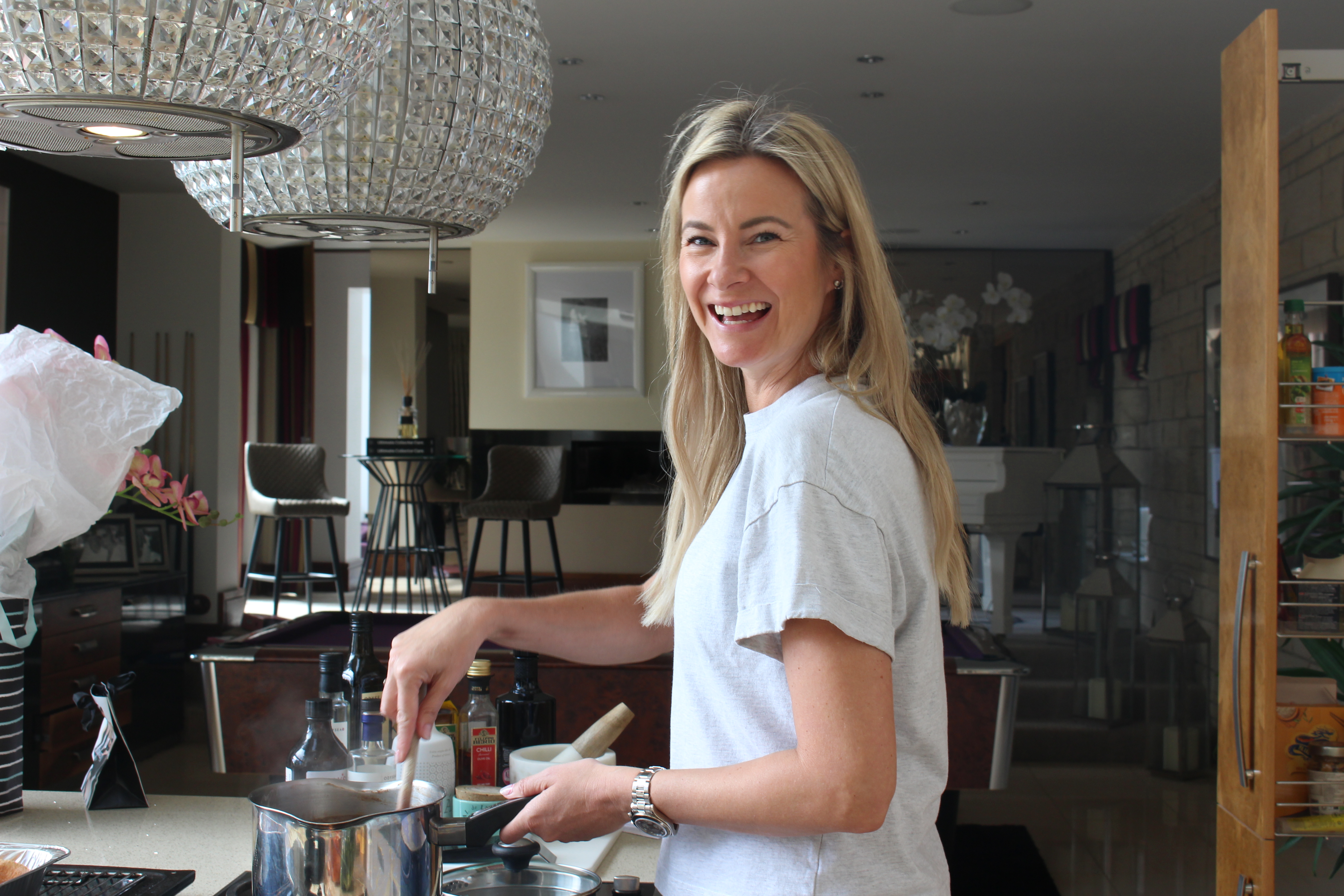
This week I spent some time trying to understand layers in photoshop. After playing around with them, I’m still not sure I fully understand how to best utilise the layers available, or what my objective is with each picture – I was really just using my intuition and what I thought looked best to change the look of the photo. I think, because I’m not a professional, I struggle with seeing what’s wrong with the original image which is why I can’t quite grasp what needs to be done to correct photos after. I think in order to feel more confident with photoshop, I just need to do more research and practice.

With the first photo, I wanted to add detail into it to bring it to life a little more. I also played around with the colour balance as I thought there was quite a lot of cool tones in it which could have been brought out more to accentuate details on my mum.

The same method applied for photo three, although I tried to put more warmth into this one to elevate it.

Photo 1
Photo 2
Photo 3
Photo 4

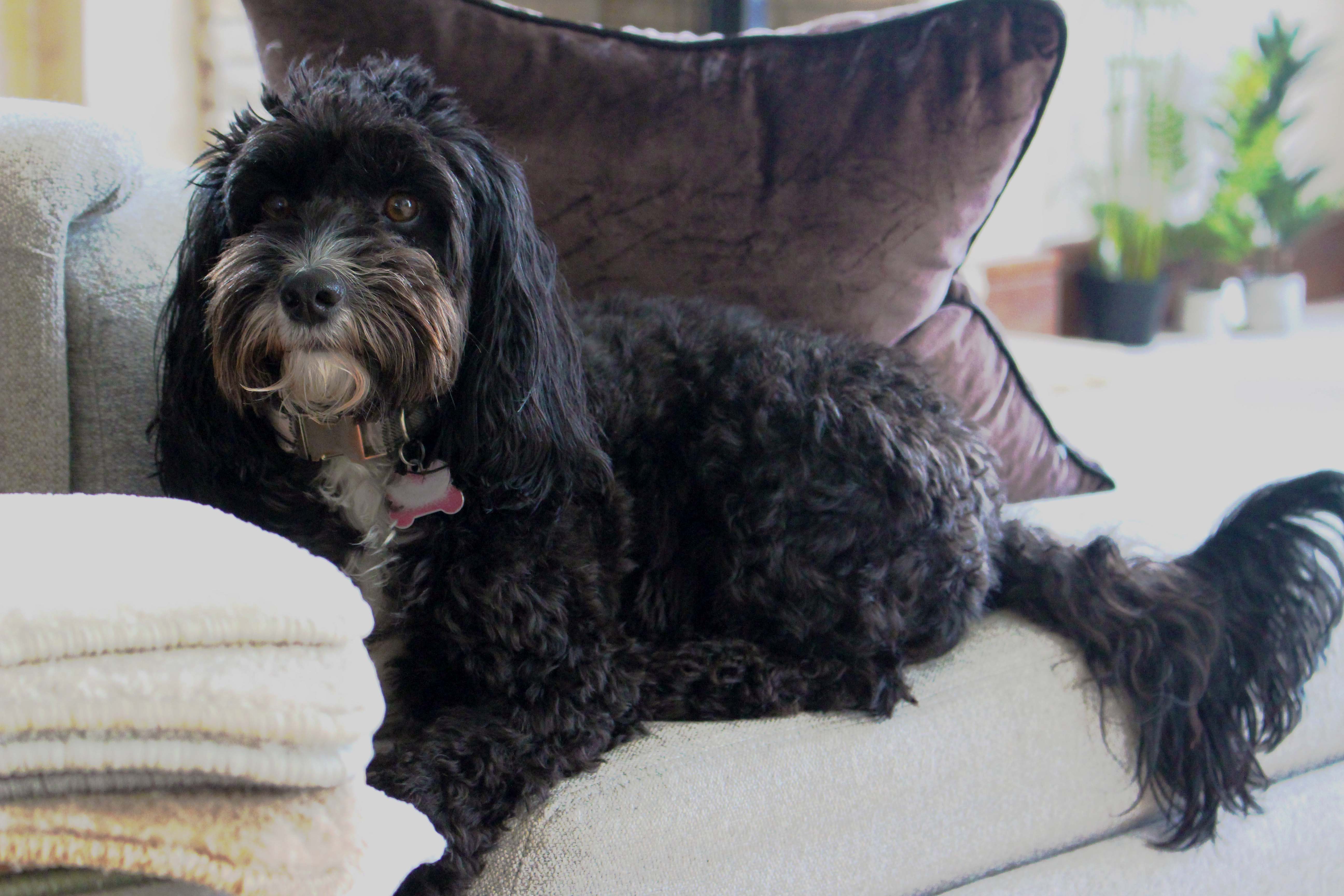
Photos two and four are of my dog, Boe. She’s quite difficult to photograph because she’s so dark so I struggle getting the detail and light balance right – if I up the exposure and highlight the details in Boe more, she can become too dark and the background can appear too bright. I need to find a way of editing certain parts of the photo that require separate adjustments to the photograph as a whole to achieve the best results.